
Commission Rules Setup
Configure payment gateway and marketplace fees per channel.
Commission Rules Setup
Commission rules tell Shopimize what to deduct per transaction for each payment method or sales channel. Without them, profit is overstated.
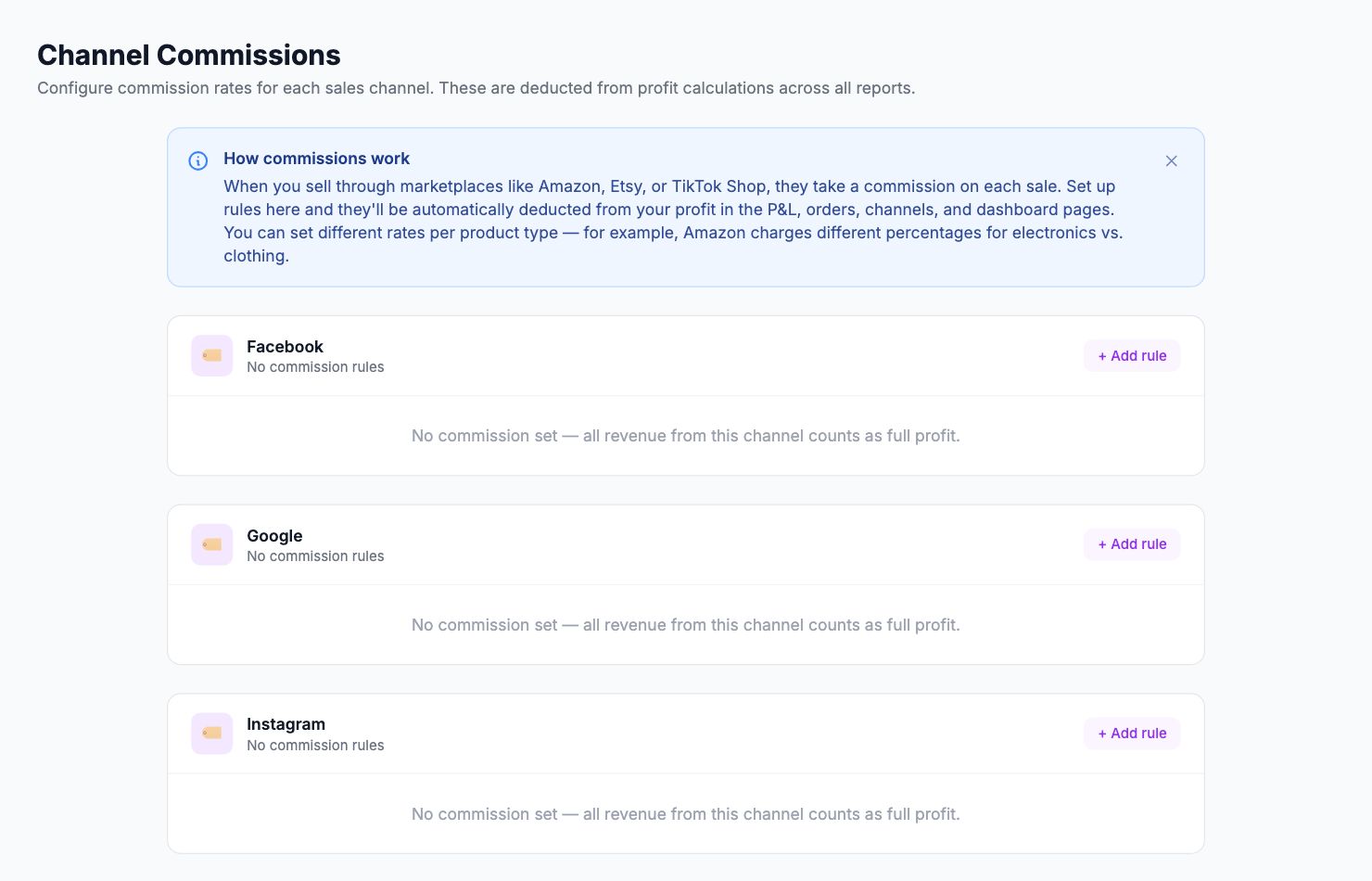
Where to configure
Go to Settings → Commissions.
Rule types
Percentage — a % of order value per transaction. Use for most payment gateways and marketplaces.
Flat fee — a fixed amount per transaction. Useful for processors with a per-transaction charge.
Percentage + flat fee — both combined. Most payment processors use this model.
Common configurations
| Channel | Rate |
|---|---|
| Shopify Payments | 2.9% + €0.30 |
| PayPal | 3.49% + €0.49 |
| Stripe (Europe) | 1.5% + €0.25 |
| Amazon | ~15% (varies by category) |
| Etsy | 6.5% + 3% + €0.25 |
Check your payment processor's current fee schedule — rates change.
How it applies
Once a rule is set, the fee deducts automatically in all profit calculations for matching orders. The change applies to future orders. Use the backfill option to apply it to historical orders as well.
Related Articles
- Product Labels & SegmentationCreate custom product groups based on margin, revenue, or custom rules.
- Custom Cost TrackingAdd fixed or variable expenses that aren't captured automatically.
- API AccessUsing the Shopimize API to integrate with external tools.
- Managing Multiple StoresConnect and switch between multiple stores in one account.
- Data Retention & HistoryHow long Shopimize keeps your data and what happens to it.
- GDPR & Data ExportExport all your data or request account deletion in compliance with GDPR.