
Custom Cost Tracking
Add fixed or variable expenses that aren't captured automatically.
Custom cost tracking
Some costs don't fit neatly into product costs, shipping, or ad spend — things like packaging materials, a monthly subscription to a tool, agency retainers, warehouse rent, or a one-time expense like equipment. These go into Manual Expenses.
Go to Costs → Manual Expenses to manage them.
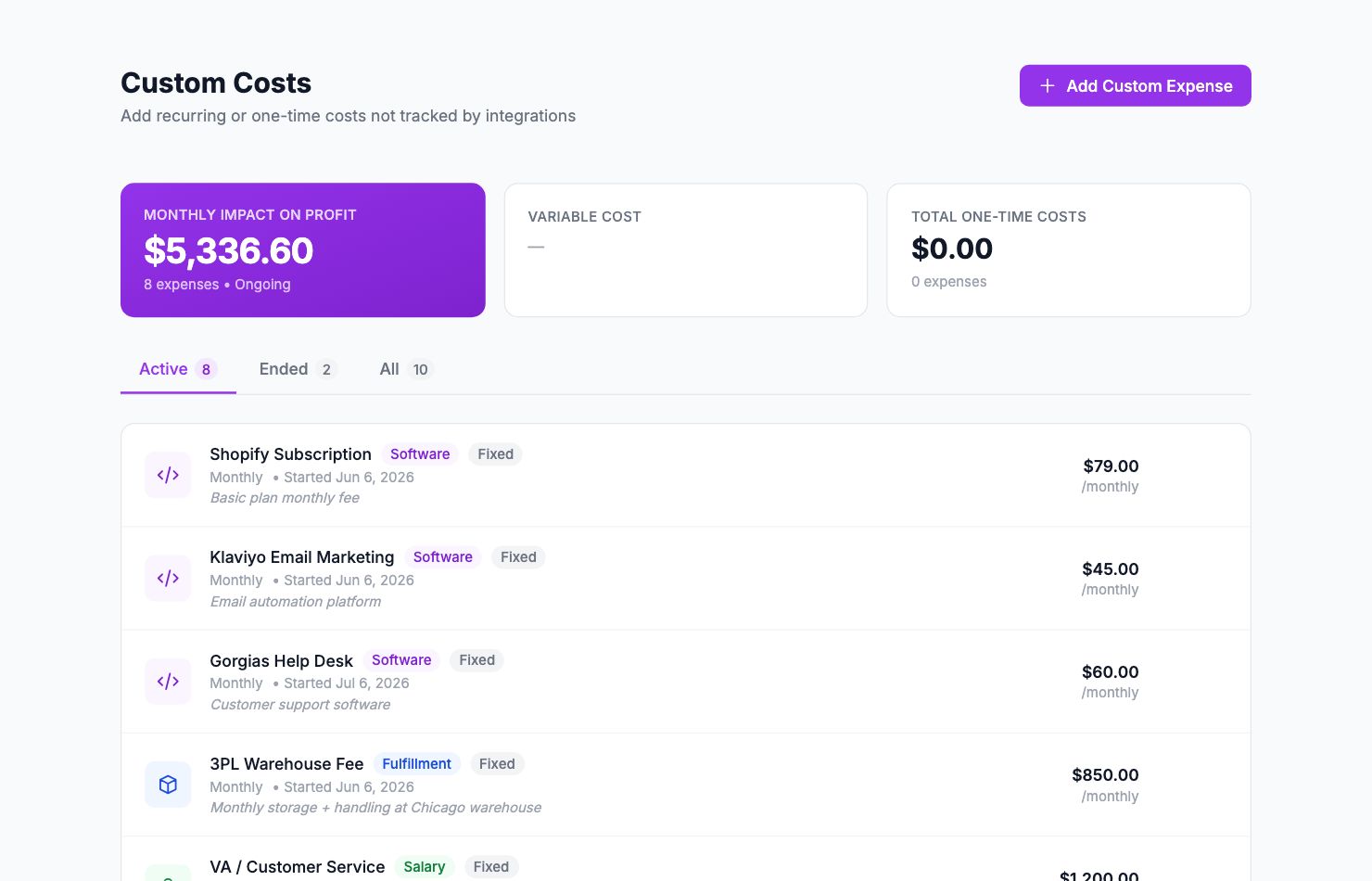
Adding an expense
Click Add Expense. Fill in:
- Name — what the expense is (e.g. "Packaging materials", "Shopify monthly fee", "Agency retainer")
- Amount — how much
- Currency — defaults to your account currency
- Type — one-time or recurring
- Date — for one-time expenses, the date it occurred. For recurring expenses, the start date.
- Frequency — for recurring: monthly, quarterly, or annually
Recurring expenses auto-apply to each period they cover, so a monthly expense entered once shows up every month in your P&L.
One-time vs recurring
Use one-time for: a batch of packaging you bought, a piece of equipment, a domain name renewal.
Use recurring for: Shopify plan fee, app subscriptions, agency retainers, warehouse rent, Klaviyo or email tool costs.
Where these appear
Manual expenses show in your dashboard total costs and in the P&L report under "Operating Expenses". They also show in Costs → Breakdown so you can see what's contributing to your cost base.
Editing or deleting
Click the three-dot menu on any expense to edit or delete it. Deleting a recurring expense removes it from all future periods but doesn't retroactively remove it from past months where it already counted.
Related Articles
- Product Labels & SegmentationCreate custom product groups based on margin, revenue, or custom rules.
- Commission Rules SetupConfigure payment gateway and marketplace fees per channel.
- API AccessUsing the Shopimize API to integrate with external tools.
- Managing Multiple StoresConnect and switch between multiple stores in one account.
- Data Retention & HistoryHow long Shopimize keeps your data and what happens to it.
- GDPR & Data ExportExport all your data or request account deletion in compliance with GDPR.