
Update Payment Method
How to change or update your billing information.
Updating your payment method
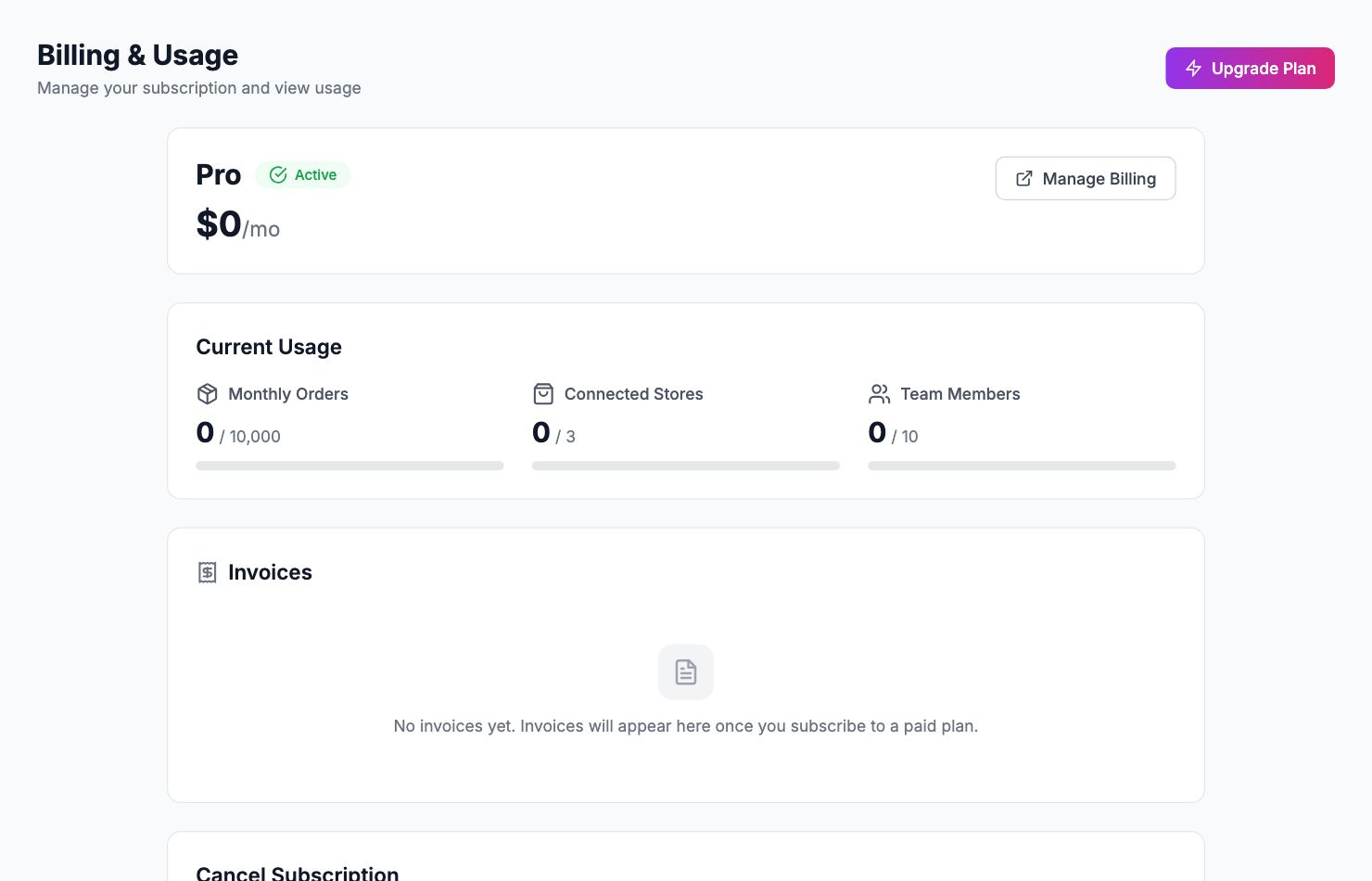
Change your card
Go to Settings → Billing and click Update card under Payment Method. You'll be taken to our payment provider's secure form to enter new card details. The new card takes effect immediately.
Accepted payment methods
Shopimize accepts Visa, Mastercard, and American Express. We don't currently accept bank transfers or PayPal for subscriptions.
Failed payments
If a payment fails, you'll receive an email with a link to update your card. Shopimize retries automatically a few times. Update your card before the final retry to avoid any access interruption.
EU VAT
If you're a VAT-registered business in the EU, add your VAT number under Settings → Billing → Tax information. Invoices will show your VAT number and Shopimize will apply reverse charge where applicable.
Related Articles
- Plans & PricingCompare plans and understand what's included in each.
- Cancel or Downgrade PlanSteps to cancel your subscription or move to a lower plan.
- Invoice DownloadsAccess and download your billing history and invoices.
- Managing Team Members & RolesInvite team members, set permissions, and manage access.
- Understanding Your Plan Usage & LimitsWhat counts toward your order limit and what happens when you reach it.
- Account Security & 2FAEnable two-factor authentication and manage your account security.