
Billing Through Shopify
When your subscription is charged on your Shopify bill instead of by card.
When Shopify handles the subscription
How it differs
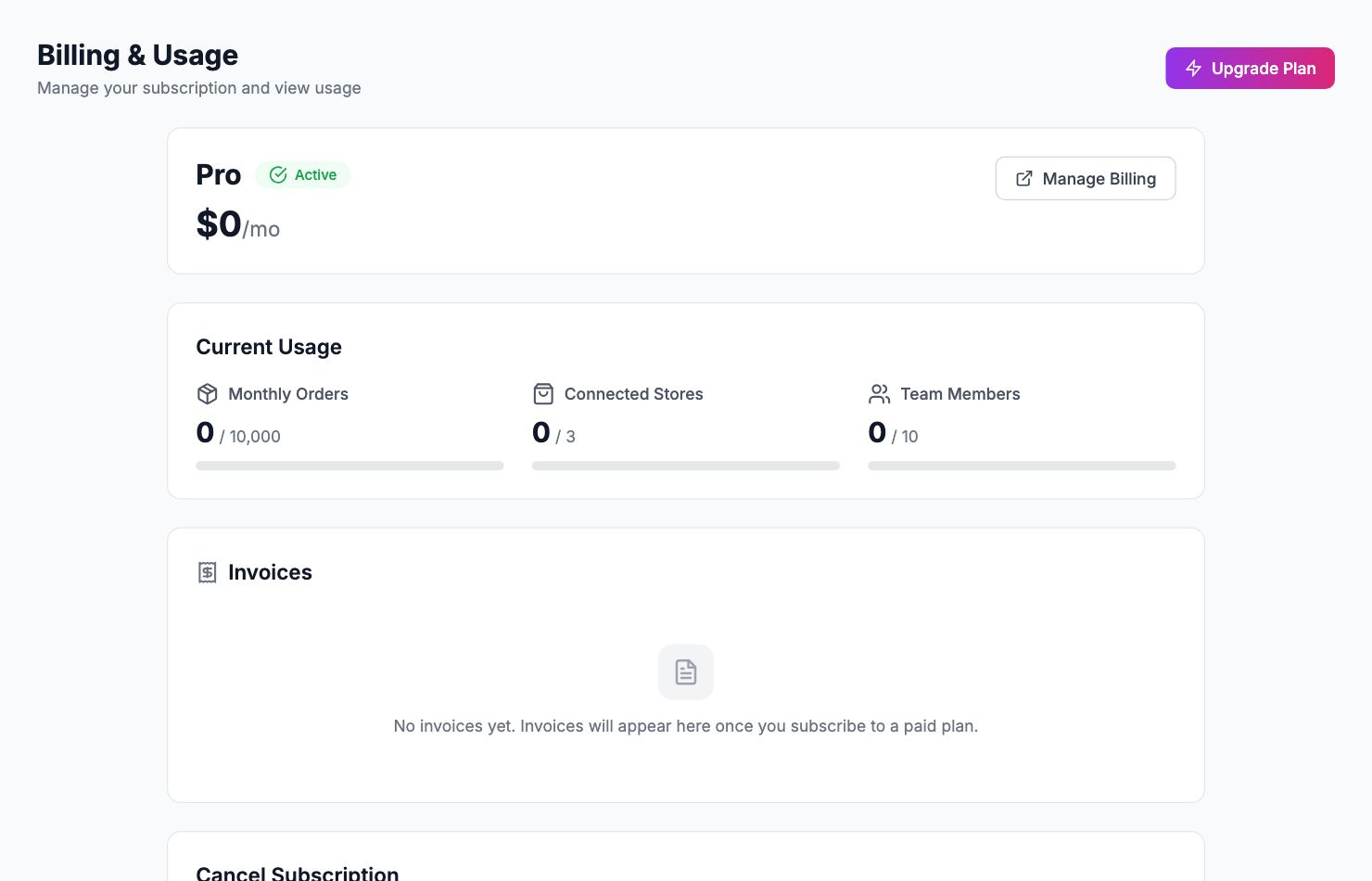
If Shopimize was installed from the Shopify App Store, your subscription can be charged by Shopify and appear on your Shopify bill rather than being taken from a card held in Shopimize. Everything inside the app works the same; only the payment path changes.
Shopimize knows which provider is billing you, so the billing screen shows the right options rather than offering a card form you do not need.
Approving a charge
Changing plan sends you to Shopify to approve the new charge, because only Shopify can authorise a charge on a Shopify bill. Approve it there and you are returned to Shopimize, which confirms the subscription and applies the new plan.
If you close the Shopify screen without approving, nothing changes and you stay on your current plan.
Where to find the invoice
Charges raised this way appear on your Shopify invoice, alongside your Shopify subscription and any other app charges — not as a separate Shopimize receipt.
If the confirmation fails
Returning to Shopimize without a valid charge reference leaves the plan unchanged. Start the change again from the pricing page; if it fails a second time, contact support before approving anything else, so you are not charged twice.
Related Articles
- Plans & PricingCompare plans and understand what's included in each.
- Update Payment MethodHow to change or update your billing information.
- Cancel or Downgrade PlanSteps to cancel your subscription or move to a lower plan.
- Invoice DownloadsAccess and download your billing history and invoices.
- Managing Team Members & RolesInvite team members, set permissions, and manage access.
- Understanding Your Plan Usage & LimitsWhat counts toward your order limit and what happens when you reach it.