
Profit Calculation Settings
Control how Shopimize calculates profit — tax handling, refund treatment, and more.
Profit calculation settings
These settings control how Shopimize handles VAT and refunds in profit math. Most stores can leave them at defaults.
Go to Settings → Calculation to access them.
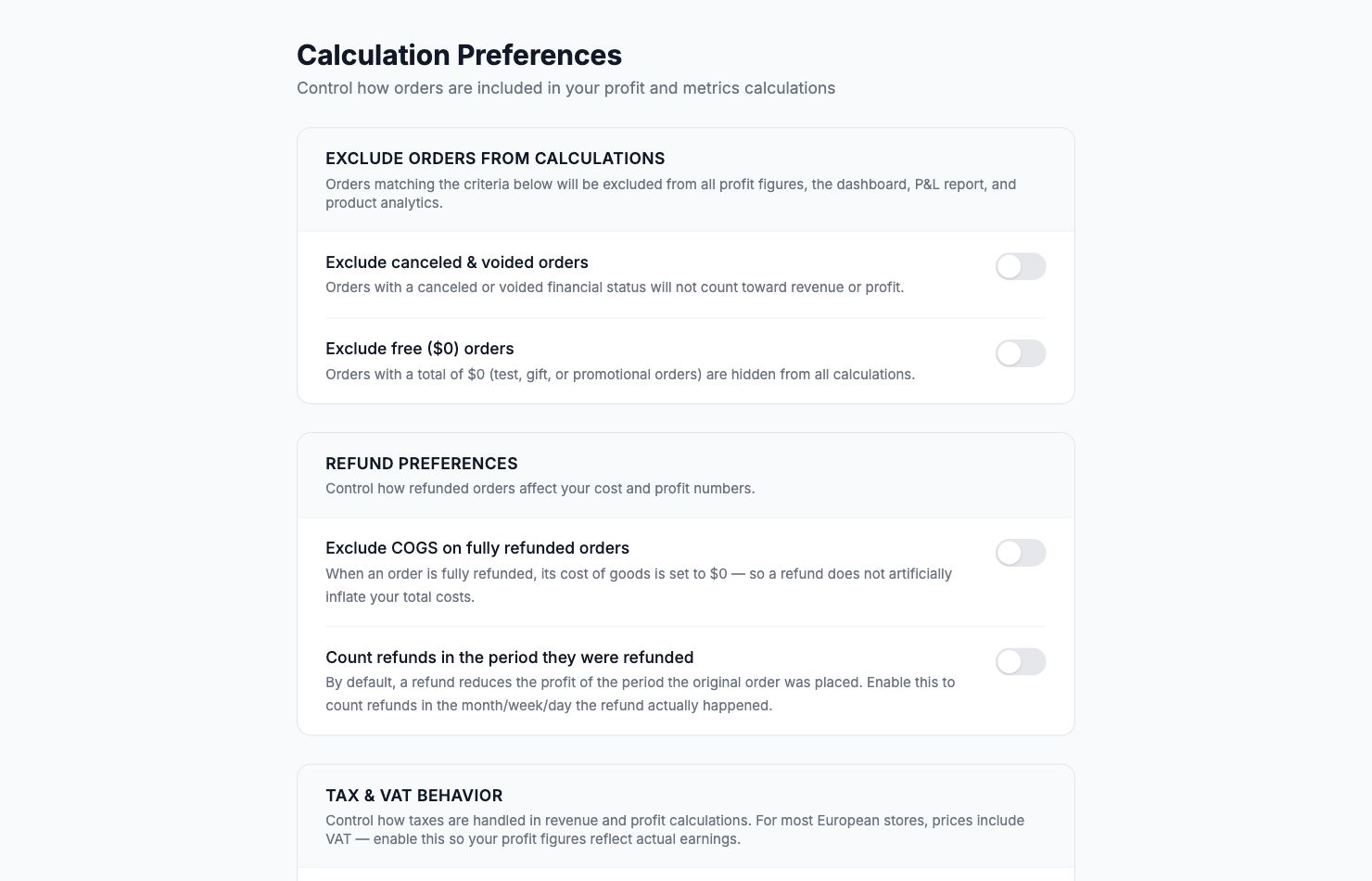
Tax & VAT behavior
If your prices include VAT (common for European stores), you choose how revenue is displayed:
Include VAT in revenue (default) — revenue is what the customer paid, including tax. This is what most store owners expect to see.
Exclude VAT from revenue — strips VAT out so figures reflect net revenue before tax. This is what your accountant typically wants. If your average VAT rate is 20%, enabling this reduces displayed revenue and profit proportionally.
Refund preferences
Exclude COGS on fully refunded orders — when an order is 100% refunded, this removes the product cost from that order's calculation. Without it, a fully refunded order still counts as a cost (you paid for the goods) even though the revenue is gone.
Count refunds in the period they were refunded — by default, a refund reduces profit in the same period as the original order. Enable this to show refunds in the month/week they actually happened.
Which settings to use
Leave at defaults unless your accountant asks for specific treatment, or the default is producing numbers that don't match your expectations. When in doubt, ask your accountant which convention they prefer.
Related Articles
- Product Performance AnalyticsIdentify your most and least profitable products.
- Cost Tracking & ManagementAn overview of how Shopimize tracks every type of cost.
- Marketing ROI AnalysisMeasure real return on ad spend across all your channels.
- Profit & Loss ReportsGenerate and export P&L reports for your store.
- Customer Lifetime ValueUnderstand which customers are most profitable over time.
- Orders AnalyticsBrowse and filter orders with per-order profit and margin data.