
Orders Analytics
Browse and filter orders with per-order profit and margin data.
Orders analytics
A transaction-by-transaction view of your business with profit and margin calculated for each individual order.
Go to Performance → Orders to access it.
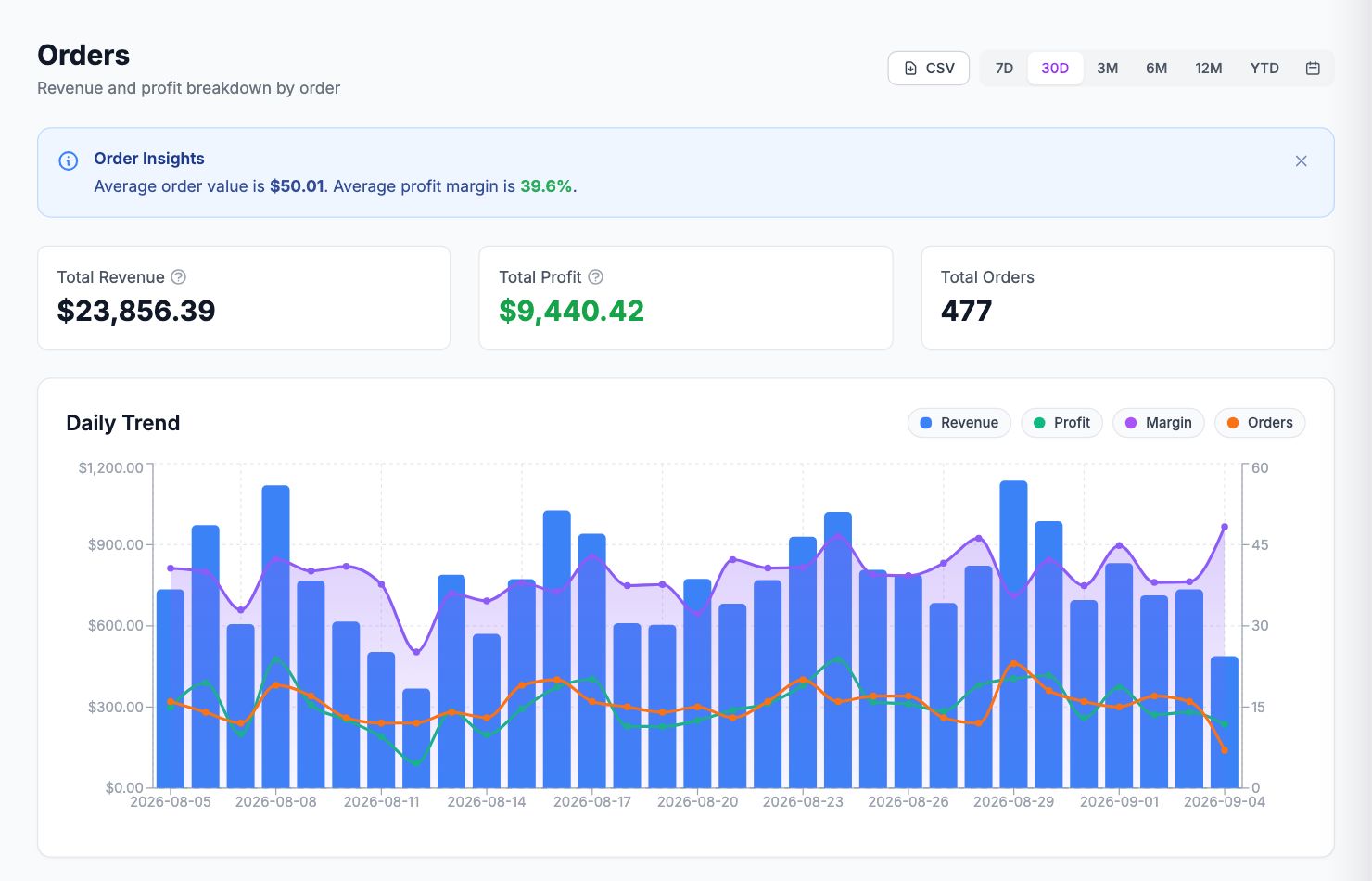
What you see
Each row is an order: order number, customer, date, channel, revenue, COGS, shipping cost, fees, total costs, net profit, and margin. Orders with negative margins are highlighted — these are orders where your costs exceeded what the customer paid.
Filtering
Use the filter bar to narrow down by date range, channel, profit range (e.g. orders below 10% margin), discount usage, or product. Filters stack — combine them to find exactly what you're looking for.
Order detail
Click any row to see the full cost breakdown: each line item, its COGS, shipping cost, fees, and how net profit was calculated. This is the first place to look when a specific order's margin looks wrong.
Exporting
Click Export CSV at the top right to download the current filtered view. The export includes all visible columns.
Related Articles
- Product Performance AnalyticsIdentify your most and least profitable products.
- Cost Tracking & ManagementAn overview of how Shopimize tracks every type of cost.
- Marketing ROI AnalysisMeasure real return on ad spend across all your channels.
- Profit & Loss ReportsGenerate and export P&L reports for your store.
- Customer Lifetime ValueUnderstand which customers are most profitable over time.
- Channel PerformanceCompare profit and revenue across your sales channels.