
⭐Features
Payment Fee Tracking
Configure transaction fees so they're deducted from every profit calculation.
Payment fee tracking
Every payment processor takes a cut. Stripe, PayPal, Shopify Payments, and others all charge fees that directly reduce profit on every order.
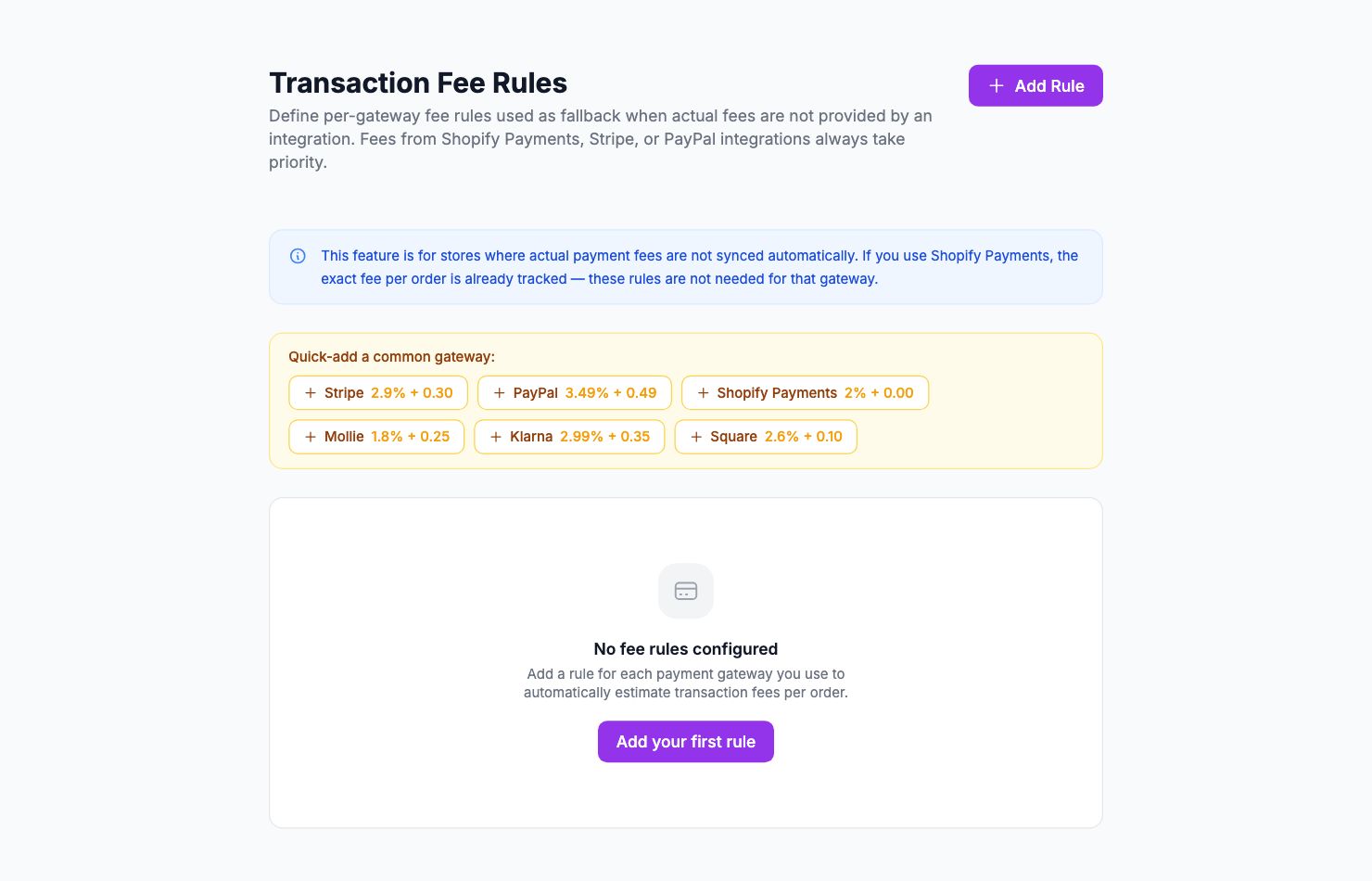
Setting up fee rules
Go to Settings → Commissions. Click Add Rule:
- Payment method — which gateway this rule applies to
- Fee type — percentage, flat fee, or both
- Rate — the amount to deduct
For most gateways, it's a percentage plus a small flat fee per transaction (e.g. Stripe in Europe: 1.5% + €0.25).
Where to find your exact rates
Don't guess — check your payment processor:
- Stripe: Dashboard → Billing → Fee summary
- PayPal: Account → Fees
- Shopify Payments: Shopify Admin → Settings → Payments
Marketplace fees
Amazon, Etsy, and other marketplaces take commissions too. Set these up in Settings → Commissions the same way.
Applying to historical orders
Fee rules apply to future orders by default. To apply them to past orders, open the rule and click Apply to historical orders.
Related Articles
- Product Performance AnalyticsIdentify your most and least profitable products.
- Cost Tracking & ManagementAn overview of how Shopimize tracks every type of cost.
- Marketing ROI AnalysisMeasure real return on ad spend across all your channels.
- Profit & Loss ReportsGenerate and export P&L reports for your store.
- Customer Lifetime ValueUnderstand which customers are most profitable over time.
- Orders AnalyticsBrowse and filter orders with per-order profit and margin data.