
Notifications & Alerts
Set up alerts for margin drops, profit thresholds, and unusual cost spikes.
Notifications and alerts
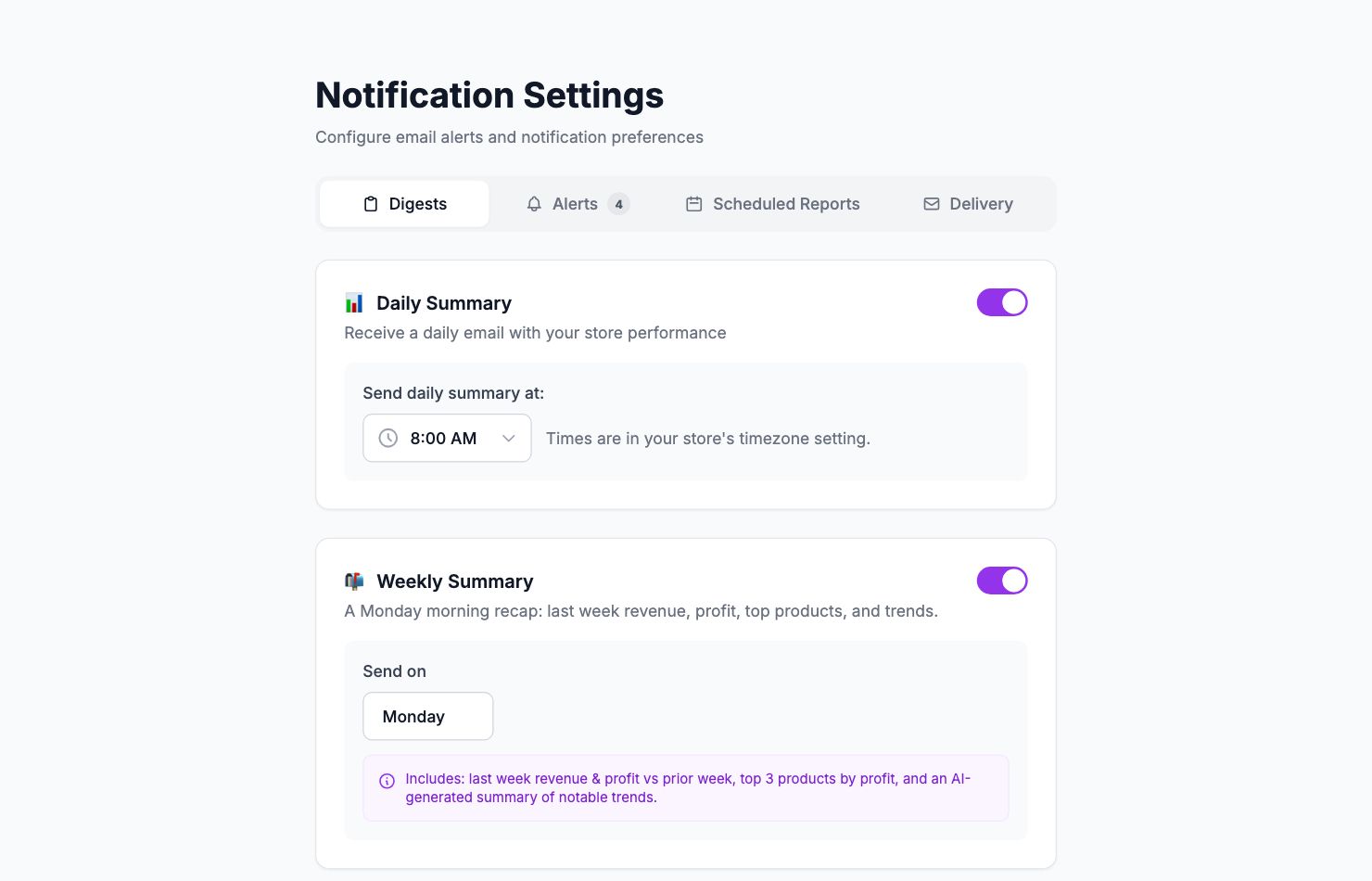
Real-time alerts when something worth knowing happens — a negative-profit order, a margin below your threshold, a spike in returns.
Go to Settings → Notifications to configure them.
Available alerts
Negative profit order — fires when any order arrives with negative net profit. Good for catching pricing problems or misconfigured costs early.
Low margin order — fires when an order's margin falls below a threshold you set (default: 20%). Adjust the threshold to match what's meaningful for your business.
High shipping cost — fires when shipping exceeds a set percentage of order value.
High discount — fires when a discount reduces an order's value by more than your threshold.
Large order — fires when a single order exceeds a value you define.
Refund or cancellation — fires any time an order is refunded or cancelled.
No orders alert — fires if no orders arrive for X hours. Useful for catching storefront or payment issues.
Revenue drop — fires when daily revenue drops more than X% vs the previous day.
Configuration
Each alert has a toggle. Threshold-based alerts let you set the threshold value before enabling. Alerts are sent by email to your account address.
Related Articles
- Product Performance AnalyticsIdentify your most and least profitable products.
- Cost Tracking & ManagementAn overview of how Shopimize tracks every type of cost.
- Marketing ROI AnalysisMeasure real return on ad spend across all your channels.
- Profit & Loss ReportsGenerate and export P&L reports for your store.
- Customer Lifetime ValueUnderstand which customers are most profitable over time.
- Orders AnalyticsBrowse and filter orders with per-order profit and margin data.