
Tracking Shipping Costs
Set up per-order shipping costs using carriers or flat rates.
Tracking shipping costs
Shipping is a real cost on every order. Two ways to track it in Shopimize.
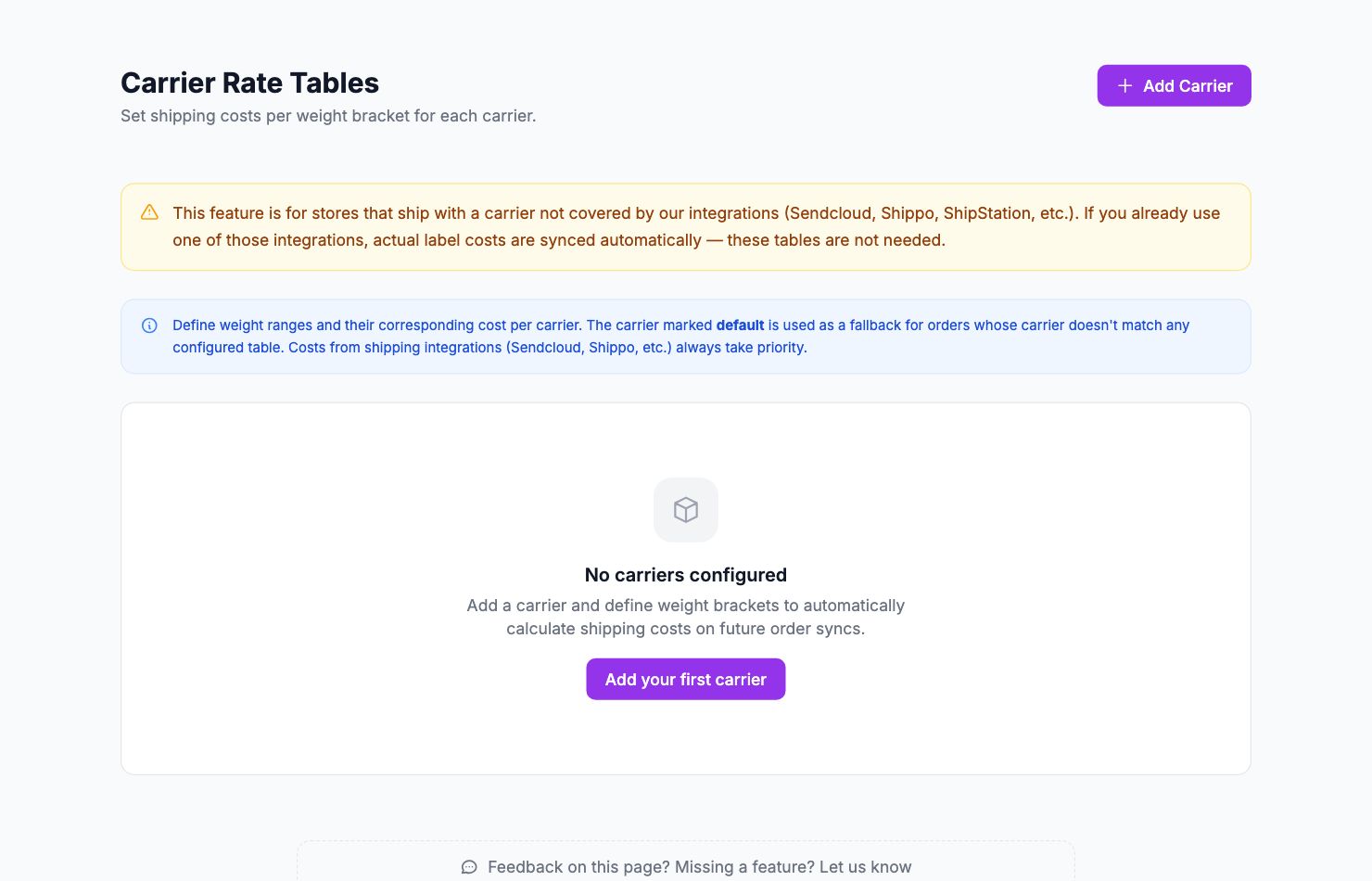
Option 1: Connect a shipping carrier
If you use ShipStation, ShipBob, Easyship, SendCloud, Shippo, Webshipper, Shipmondo, or Packlink, connect your account and Shopimize pulls the actual cost per shipment. Go to Integrations, scroll to Shipping, and connect your carrier.
Option 2: Set a flat rate
Go to Costs → Shipping and enter a flat cost per order. To find a good number: total up last month's shipping invoices and divide by the number of orders. That's your average cost per order.
Using both
Set a carrier connection for most orders and a flat rate as fallback. Shopimize uses the carrier cost when it can match an order to a shipment, and the flat rate for everything else.
Where shipping costs appear
Once configured, shipping costs flow into every profit calculation: the dashboard, orders table, product analytics, and P&L. View your total shipping spend for any period in Costs → Breakdown.
Related Articles
- Product Performance AnalyticsIdentify your most and least profitable products.
- Cost Tracking & ManagementAn overview of how Shopimize tracks every type of cost.
- Marketing ROI AnalysisMeasure real return on ad spend across all your channels.
- Profit & Loss ReportsGenerate and export P&L reports for your store.
- Customer Lifetime ValueUnderstand which customers are most profitable over time.
- Orders AnalyticsBrowse and filter orders with per-order profit and margin data.