
Timezone and Date Format
Set the timezone used for scheduled emails and choose how dates are written.
Timezone and date format
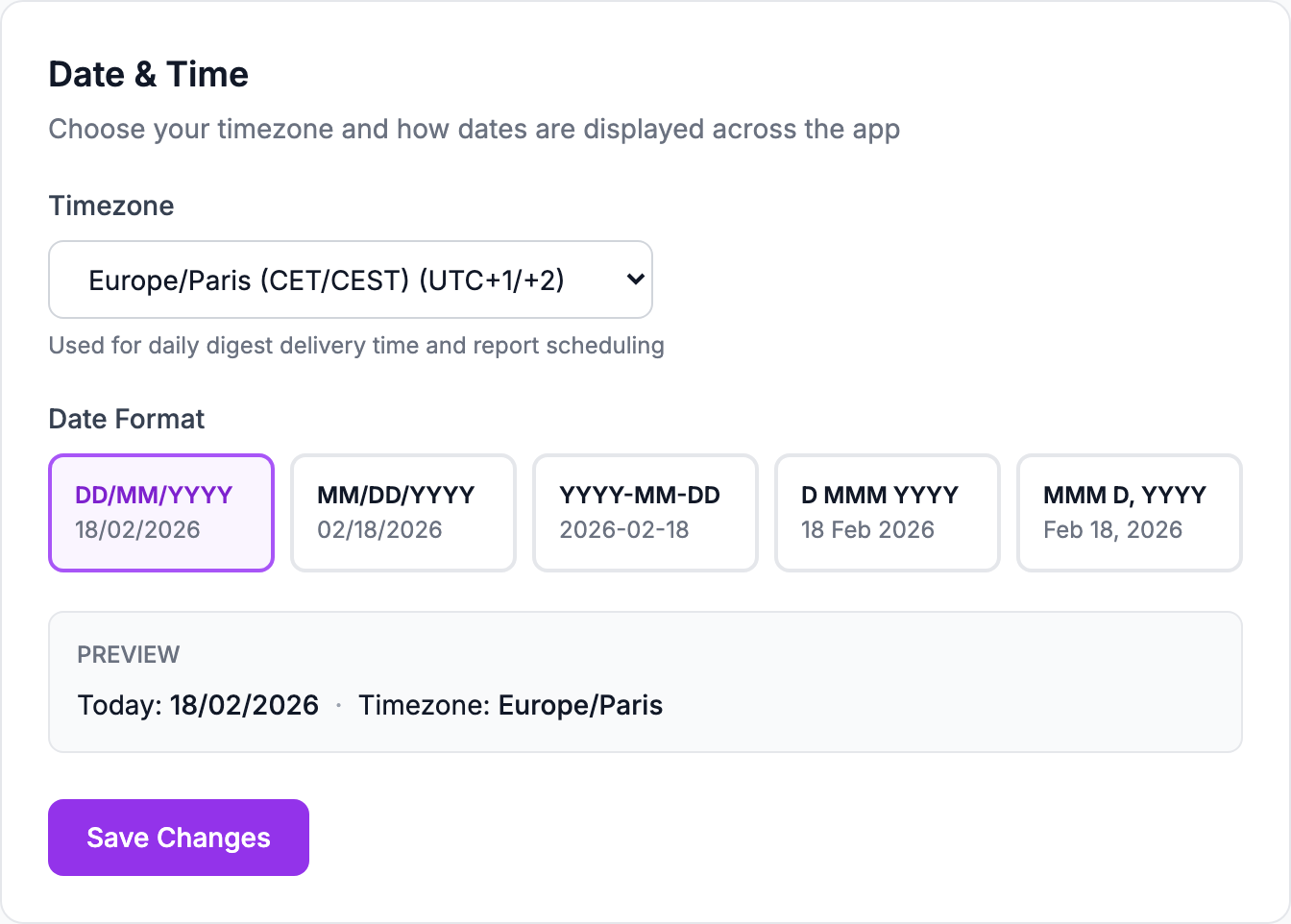
Both live under Settings → Profile → Date & Time.
What the timezone affects
It sets the reference used to send scheduled emails — the daily summary and the weekly digest arrive at the right local hour rather than at a server hour.
It does not change how orders are dated. An order keeps the timestamp its platform gave it.
Date format
Pick how dates are written across the app. This is presentation only; nothing about the underlying data changes.
Both are per-browser preferences
Like the number format, the timezone and date format are stored in your browser rather than on your account. Set them again if you switch computer, and expect a colleague's screen to differ from yours.
If your figures look shifted by a day
That is usually not this setting. Ad platforms report spend against their own account timezone, which can move a day's total either side of midnight. The article on ad spend not matching the platform covers that case.
Related Articles
- Product Performance AnalyticsIdentify your most and least profitable products.
- Cost Tracking & ManagementAn overview of how Shopimize tracks every type of cost.
- Marketing ROI AnalysisMeasure real return on ad spend across all your channels.
- Profit & Loss ReportsGenerate and export P&L reports for your store.
- Customer Lifetime ValueUnderstand which customers are most profitable over time.
- Orders AnalyticsBrowse and filter orders with per-order profit and margin data.