
Connect Your Store
How to connect Shopify, WooCommerce, PrestaShop, or Wix.
Connecting your store
Shopimize currently supports Shopify, WooCommerce, PrestaShop, and Wix. The connection process is slightly different for each one, but all of them only need read access — we never write to your store.
Shopify
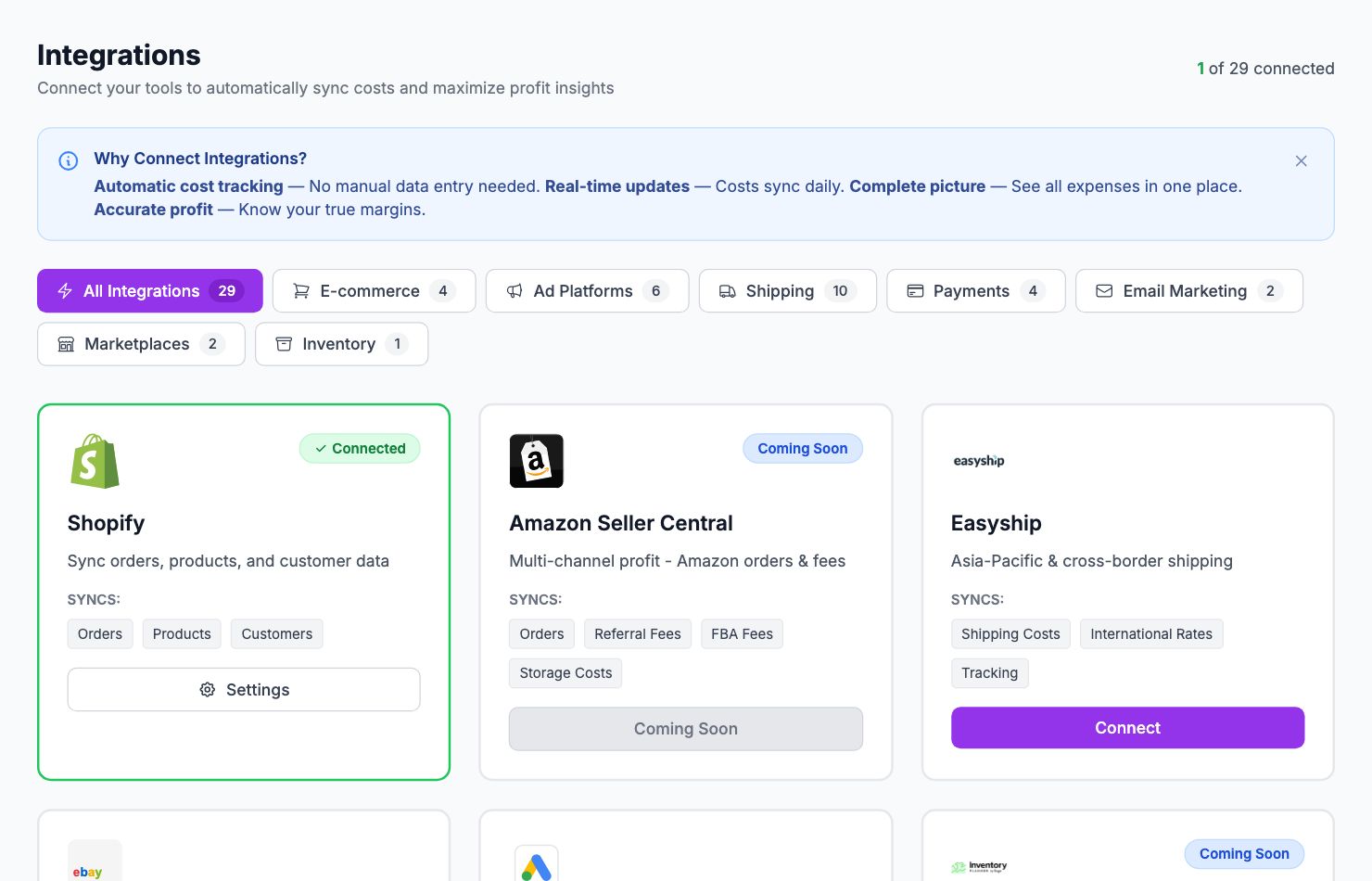
Go to Integrations in the sidebar and click Connect Shopify. You'll be redirected to Shopify to approve the connection. After you approve, Shopimize pulls in your last 90 days of orders automatically.
WooCommerce
Go to Integrations → WooCommerce, enter your store URL, and click Connect with WooCommerce. You'll be taken to your WordPress admin, where WooCommerce asks you to approve Shopimize. The approval screen shows Read/Write access: Shopimize only reads your orders and products; write access is used only to add the webhooks that send changes to Shopimize in real time.
If the approval can't complete on your host, use Connect with API keys instead on the same page. Your store needs to be on HTTPS.
PrestaShop
PrestaShop requires you to create an API key manually. Go to Integrations → PrestaShop and follow the step-by-step instructions — it takes about 3 minutes. You'll create a read-only API key in your PrestaShop back office and paste it into Shopimize.
Wix
Wix integration is currently in beta. Go to Integrations → Wix and follow the connection flow. If you run into any issues, contact us at hello@shopimize.com.
After connecting
Once your store is connected, Shopimize imports your order history. This usually takes 1–5 minutes depending on the number of orders. You'll see a progress indicator in the Integrations page.
After the import, your next step is entering your product costs in Costs → Product Costs — without those, margin and profit figures will be incomplete.
Related Articles
- Quick Start GuideGet Shopimize up and running in under 5 minutes.
- Invite Team MembersAdd teammates so they can access your store's analytics.
- Understanding Your DashboardWhat each metric means and how to read the main dashboard.
- Onboarding Wizard WalkthroughA step-by-step walkthrough of the onboarding wizard.
- Adding Your Product Costs (COGS)How to enter product costs manually or via CSV import.
- Your First Profit CheckHow to verify your profit data is accurate after setup.