
Your First Profit Check
How to verify your profit data is accurate after setup.
Your first profit check
After setup, take 10 minutes to verify the numbers make sense before trusting them for decisions.
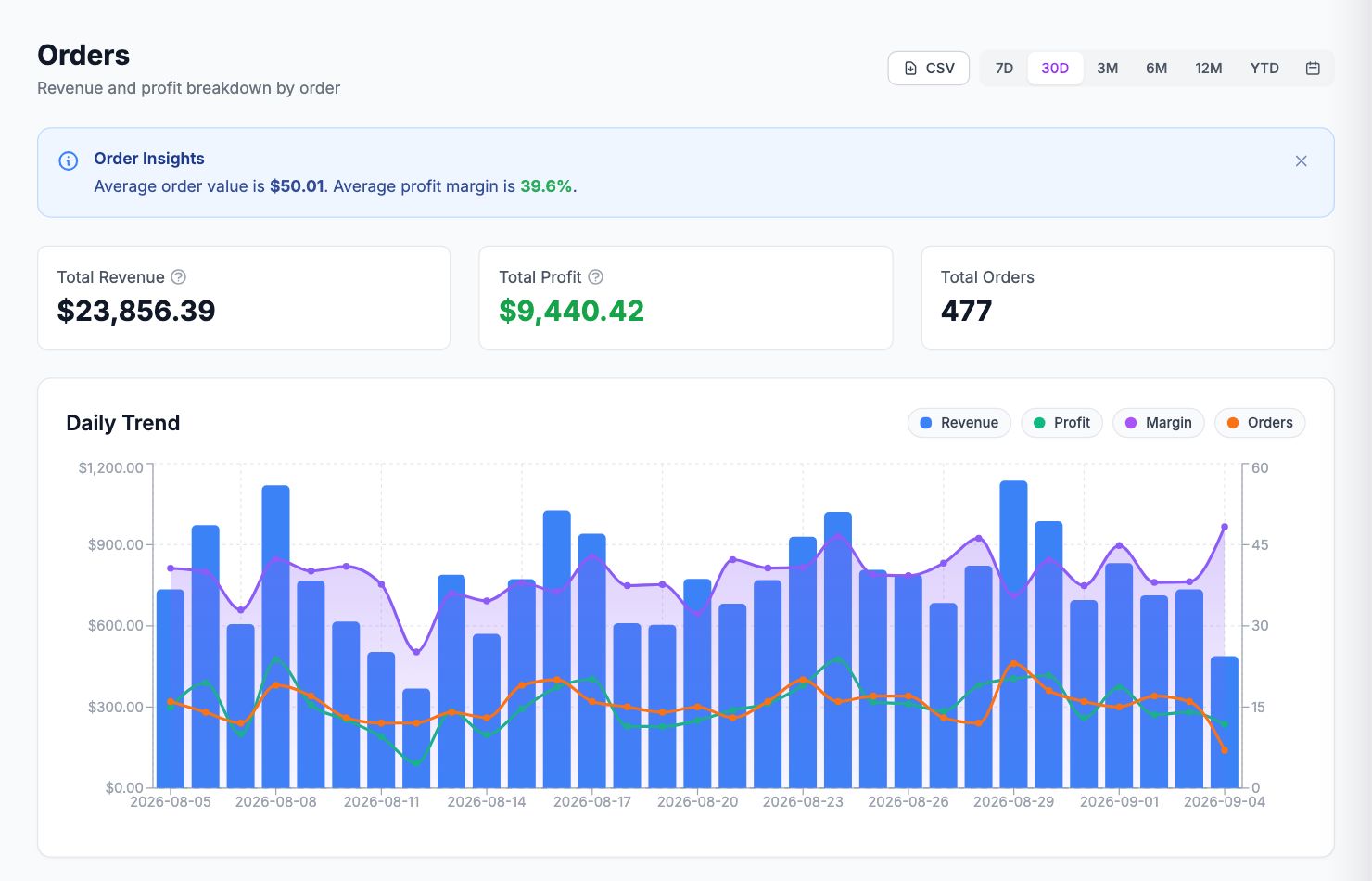
1. Pick an order you know well
Go to Performance → Orders and find a recent order you remember. Click it to see the full cost breakdown. Does the profit look right given the selling price and what you paid for the product? If profit equals revenue (100% margin), COGS aren't set for that product.
2. Check your dashboard margin
Go to the dashboard and look at your net margin for the last 30 days. Compare it to what you'd expect based on your product margins and ad spend.
Things that commonly make it look too low:
- Transaction fees set too high in Settings → Commissions
- Shipping costs being double-counted
- Custom expenses that are too large in Costs → Manual
Things that make it look too high:
- COGS missing for some products (check Costs → Product Costs for any showing €0)
- Ad platforms not connected yet
3. Cross-reference one product
Go to Performance → Products, pick a product. Multiply the COGS by units sold and compare to the Total Cost column. If it's off by a lot, check the variant-level costs by clicking into the product.
Once the spot-check passes, you can trust the data.
Related Articles
- Quick Start GuideGet Shopimize up and running in under 5 minutes.
- Connect Your StoreHow to connect Shopify, WooCommerce, PrestaShop, or Wix.
- Invite Team MembersAdd teammates so they can access your store's analytics.
- Understanding Your DashboardWhat each metric means and how to read the main dashboard.
- Onboarding Wizard WalkthroughA step-by-step walkthrough of the onboarding wizard.
- Adding Your Product Costs (COGS)How to enter product costs manually or via CSV import.