
How Data Syncing Works
How often Shopimize refreshes your data, and which platforms sync on their own.
How your data stays up to date
You do not have to press anything for new orders to appear. A background job does it for you, on a fixed cycle.
The 15-minute cycle
The job runs every 15 minutes and goes through every connected store. A store that already synced less than 10 minutes ago is skipped, so in practice a new order shows up within about a quarter of an hour.
Which platforms sync on their own
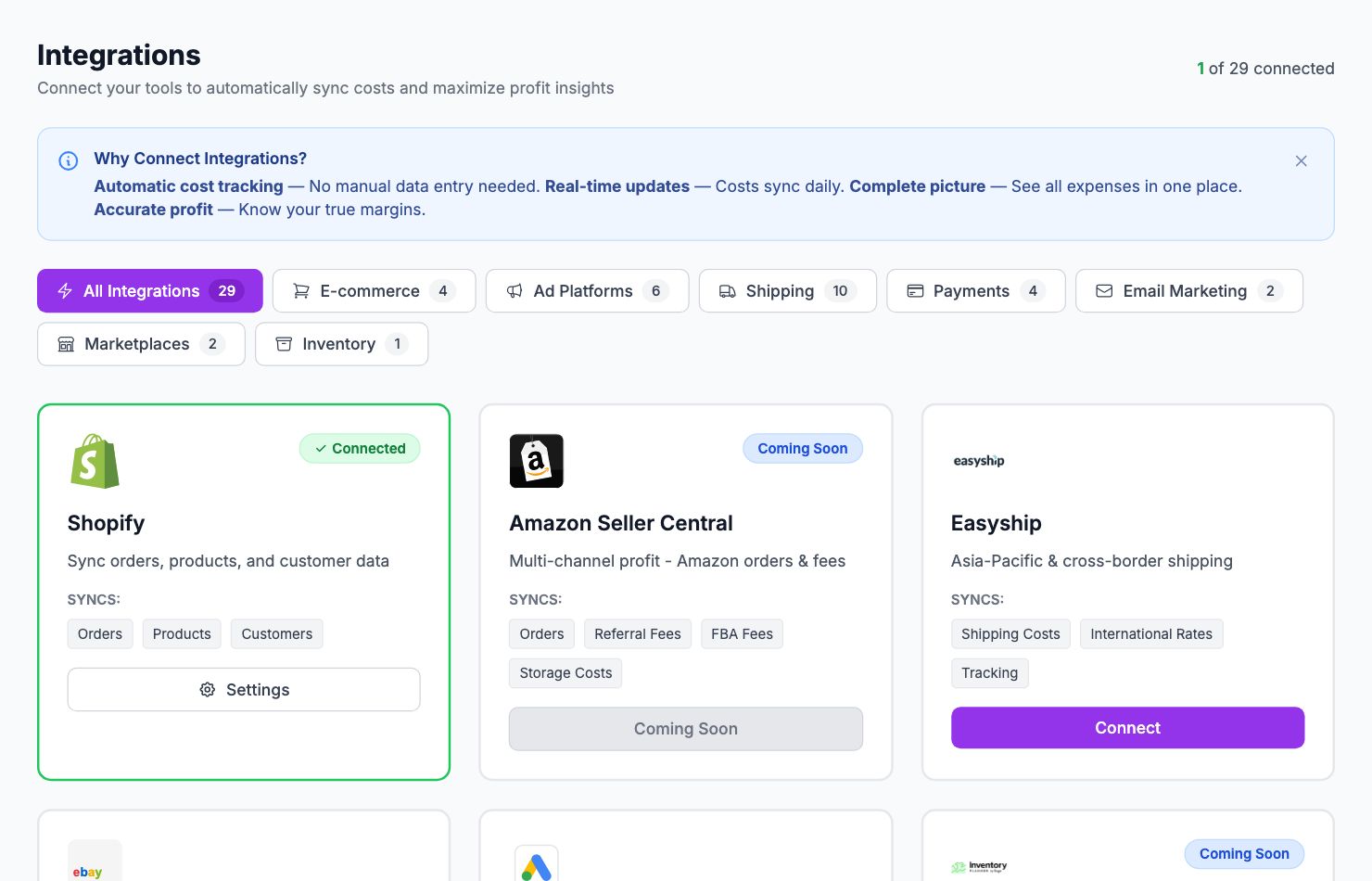
Automatic background syncing currently covers Shopify, PrestaShop and eBay. Other connected store platforms are synced when a sync is triggered from the app rather than on the timer, so their data refreshes when you open Shopimize rather than continuously.
Ad platforms and shipping carriers follow their own schedules and are not part of this cycle.
When something goes wrong
Each store keeps its own connection health: the last successful sync, how long it took, how many items it brought back, and how many attempts have failed in a row. Enough consecutive failures mark the integration as disconnected, which is what the warning banner on the Integrations page reflects.
If data has stopped arriving, start with the Integrations page rather than waiting — a token that needs re-authorising will not fix itself.
Related Articles
- Quick Start GuideGet Shopimize up and running in under 5 minutes.
- Connect Your StoreHow to connect Shopify, WooCommerce, PrestaShop, or Wix.
- Invite Team MembersAdd teammates so they can access your store's analytics.
- Understanding Your DashboardWhat each metric means and how to read the main dashboard.
- Onboarding Wizard WalkthroughA step-by-step walkthrough of the onboarding wizard.
- Adding Your Product Costs (COGS)How to enter product costs manually or via CSV import.