
🔌Integrations
Amazon Integration
Track Amazon orders and marketplace fees alongside your other channels.
Connecting Amazon
Track Amazon Seller Central orders and marketplace fees alongside your other sales channels.
How to connect
- Go to Integrations and click Connect Amazon
- You'll be redirected to Amazon Seller Central to authorize the connection
- Select the marketplace(s) you sell on (e.g. Amazon.co.uk, Amazon.fr, Amazon.de)
- Grant read access and you'll be returned to Shopimize
Order data from the last 90 days imports automatically.
What syncs
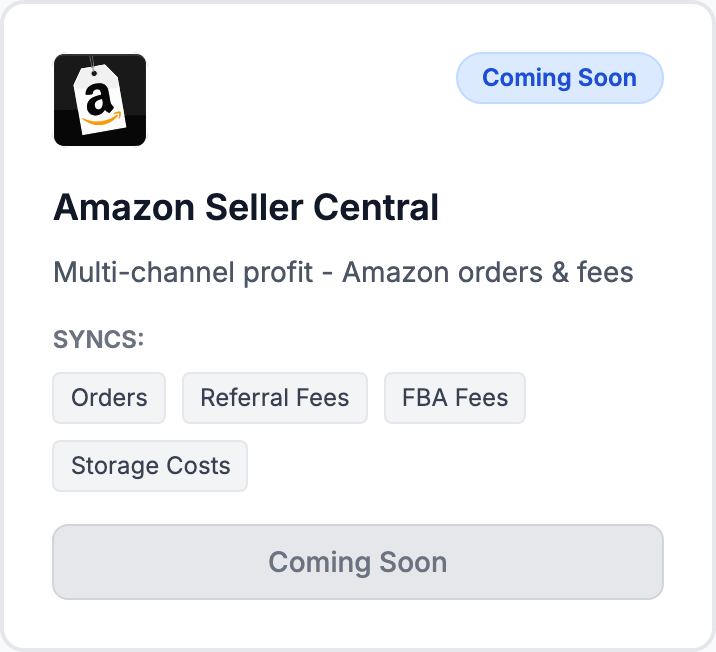
Orders, revenue, and per-order Amazon fees (referral fees, FBA fulfillment fees). These are deducted automatically in profit calculations for Amazon orders.
Amazon fees
Amazon takes a referral fee (typically 8–15% depending on category) plus FBA fees if applicable. Shopimize pulls these from Amazon's order reports so you don't enter them manually.
FBA vs FBM
Both Fulfilled by Amazon (FBA) and Fulfilled by Merchant (FBM) are supported. FBA orders include Amazon's fulfillment fees. FBM orders use your shipping cost settings.
Related Articles
- Shopify Setup GuideConnect and sync your Shopify store to Shopimize.
- WooCommerce IntegrationSet up WooCommerce order and product syncing.
- PrestaShop IntegrationConnect your PrestaShop store to Shopimize.
- Wix IntegrationConnect your Wix store to Shopimize.
- Meta Ads ConnectionTrack Facebook and Instagram ad spend alongside your profit data.
- Google Ads IntegrationSync Google Ads campaigns to track true profit ROAS.