
🔌Integrations
Meta Ads Connection
Track Facebook and Instagram ad spend alongside your profit data.
Connect Meta Ads
Once connected, Facebook and Instagram ad spend appears automatically in your profit calculations.
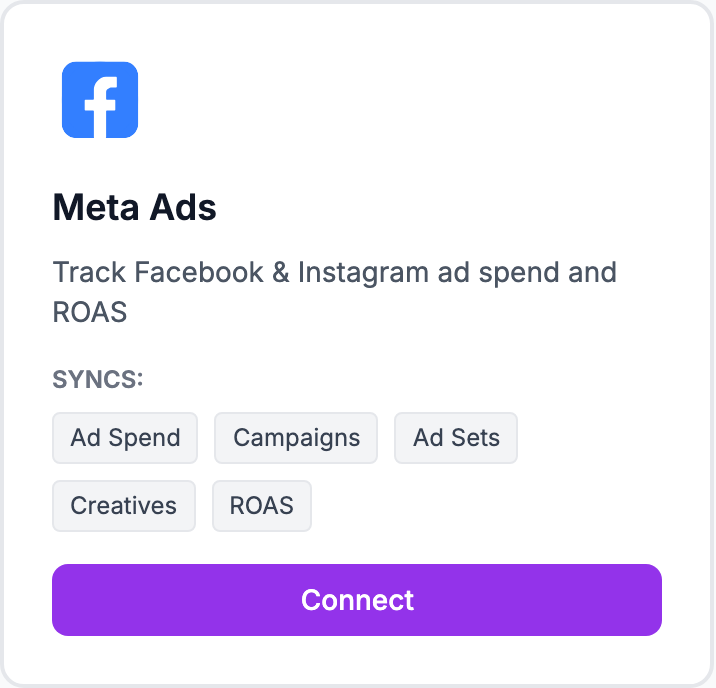
How to connect
- Go to Integrations and click Connect Meta Ads
- Sign in with your Facebook account and grant the requested permissions
- Select the ad accounts you want to track
- Shopimize syncs your campaign data automatically from that point
What syncs
Daily spend by campaign, impressions, clicks, and conversions. Data is broken down to the campaign and ad set level, which you can explore in Costs → Meta Ads.
Profit ROAS vs platform ROAS
Meta reports ROAS based on revenue it attributes to your ads. Shopimize calculates Profit ROAS — how much actual profit you make per euro of ad spend, after all costs are deducted. The two numbers are rarely the same, and Meta's version is almost always higher.
Data freshness
Meta ad data syncs daily. There's typically a 24-hour delay on the Meta side before the previous day's data is fully settled.
Related Articles
- Shopify Setup GuideConnect and sync your Shopify store to Shopimize.
- WooCommerce IntegrationSet up WooCommerce order and product syncing.
- PrestaShop IntegrationConnect your PrestaShop store to Shopimize.
- Wix IntegrationConnect your Wix store to Shopimize.
- Google Ads IntegrationSync Google Ads campaigns to track true profit ROAS.
- TikTok Ads SetupConnect TikTok Ads to monitor spend and profit ROAS.