
🔌Integrations
Wix Integration
Connect your Wix store to Shopimize.
Connecting Wix
The Wix integration is currently in beta.
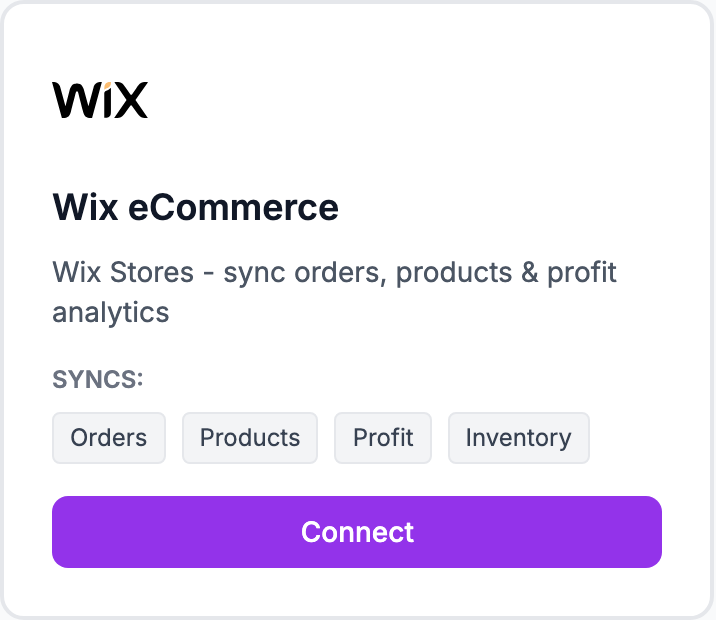
Steps
- Go to Integrations and click Connect Wix
- You'll be redirected to Wix to authorize the connection
- Sign in to your Wix account if prompted
- Review the permissions and click Agree & Add
- You'll be sent back to Shopimize and the import starts
The initial import pulls in your last 90 days of orders.
What syncs
Orders, products, and customer data. New orders sync within a few minutes of being placed.
Known limitations (beta)
- Wix Stores only — Wix Bookings and Wix Events are not supported yet
- Bundle products may not break down correctly at the line-item level
- Some older orders (12+ months) may not import depending on your Wix plan
Still having trouble?
Email us at hello@shopimize.com with your Wix store URL and a description of what happened.
Related Articles
- Shopify Setup GuideConnect and sync your Shopify store to Shopimize.
- WooCommerce IntegrationSet up WooCommerce order and product syncing.
- PrestaShop IntegrationConnect your PrestaShop store to Shopimize.
- Meta Ads ConnectionTrack Facebook and Instagram ad spend alongside your profit data.
- Google Ads IntegrationSync Google Ads campaigns to track true profit ROAS.
- TikTok Ads SetupConnect TikTok Ads to monitor spend and profit ROAS.