
🔌Integrations
Google Ads Integration
Sync Google Ads campaigns to track true profit ROAS.
Connect Google Ads
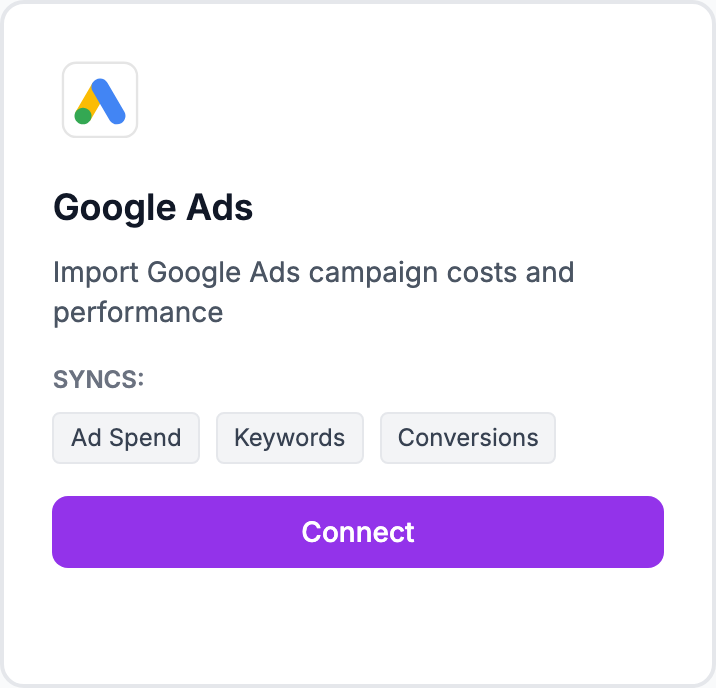
How to connect
- Go to Integrations → Google Ads
- Click Connect and sign in with your Google account
- Select the Google Ads accounts to sync
- Data imports automatically within a few minutes
Supported campaign types
All standard campaign types are supported: Search, Shopping, Performance Max, Display, and Video.
Where the data appears
After connecting, Google Ads spend feeds into your overall marketing spend in Costs → Marketing. For campaign-level detail — spend by campaign, clicks, conversions, and profit ROAS — go to Marketing → Google Ads.
Product label push
Shopimize can push custom product labels back to Google Merchant Center based on your profitability data. This lets you use margin tiers as bidding signals in your Shopping and PMax campaigns. Set up labels in Settings → Product Labels, then use the push feature to sync them to Merchant Center.
Related Articles
- Shopify Setup GuideConnect and sync your Shopify store to Shopimize.
- WooCommerce IntegrationSet up WooCommerce order and product syncing.
- PrestaShop IntegrationConnect your PrestaShop store to Shopimize.
- Wix IntegrationConnect your Wix store to Shopimize.
- Meta Ads ConnectionTrack Facebook and Instagram ad spend alongside your profit data.
- TikTok Ads SetupConnect TikTok Ads to monitor spend and profit ROAS.