
🔌Integrations
Shopify Setup Guide
Connect and sync your Shopify store to Shopimize.
Connect Your Shopify Store
Connecting your Shopify store takes less than 2 minutes.
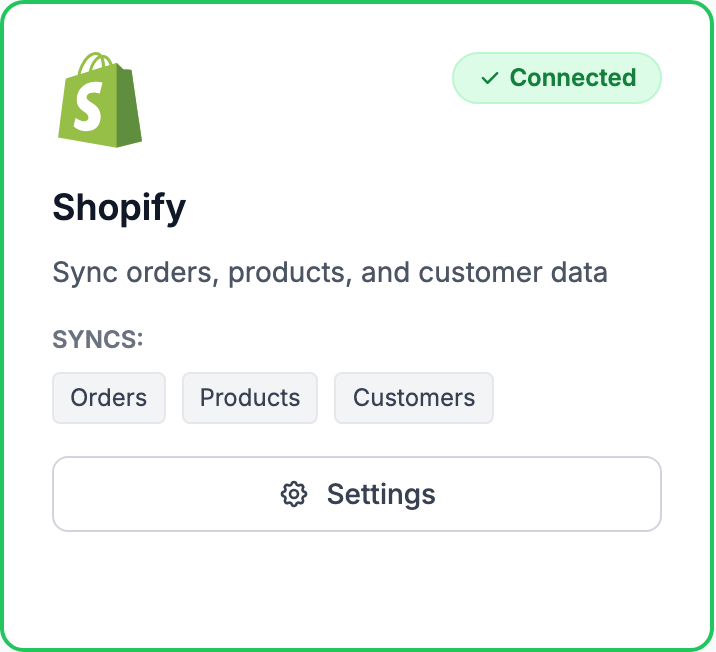
How to connect
- Go to Integrations in the sidebar and click Connect Shopify
- You'll be redirected to Shopify to authorize access. We request read-only access to your orders, products, and inventory
- After authorization, Shopimize automatically imports your last 90 days of orders
- Once the import finishes, go to Costs → Product Costs to enter your COGS
What data we access
Shopimize reads your orders, line items, products, variants, and inventory levels. We never write to or modify your Shopify store.
Sync frequency
After the initial import, new orders sync within a few minutes of being created in Shopify. Order updates (refunds, fulfillment status changes) also sync automatically.
Multiple stores
If you run more than one Shopify store, you can connect additional stores from Integrations. Use the store switcher at the top of the sidebar to move between them. Each store has its own data and settings.
Disconnecting
You can disconnect Shopify at any time from Integrations. Your historical data stays in Shopimize unless you delete your account.
Related Articles
- WooCommerce IntegrationSet up WooCommerce order and product syncing.
- PrestaShop IntegrationConnect your PrestaShop store to Shopimize.
- Wix IntegrationConnect your Wix store to Shopimize.
- Meta Ads ConnectionTrack Facebook and Instagram ad spend alongside your profit data.
- Google Ads IntegrationSync Google Ads campaigns to track true profit ROAS.
- TikTok Ads SetupConnect TikTok Ads to monitor spend and profit ROAS.