
🔌Integrations
Klaviyo Integration
Connect Klaviyo to include email marketing spend in your profit data.
Connecting Klaviyo
Klaviyo is an email marketing platform. Connecting it adds your email platform cost to your overall marketing spend calculations.
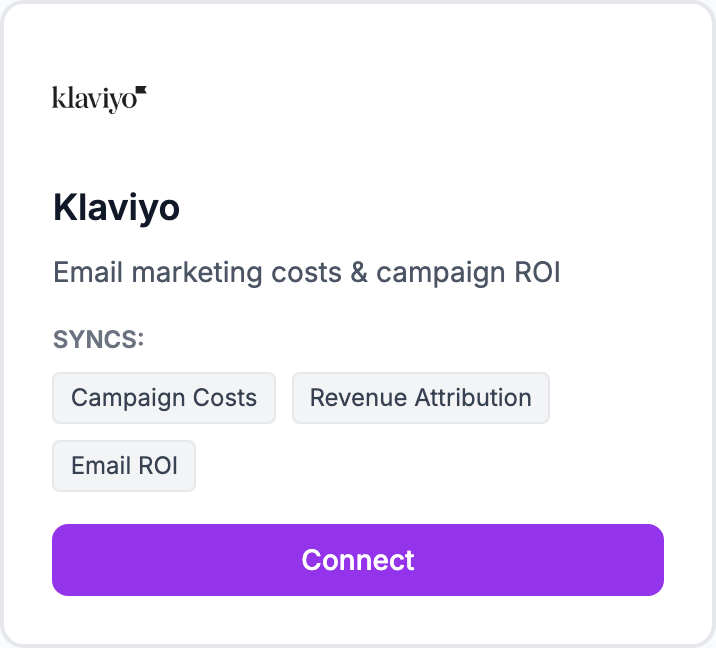
How to connect
- Go to Integrations and click Connect Klaviyo
- Enter your Klaviyo private API key — find it in Klaviyo under Account → Settings → API Keys
- Click Connect
Finding your API key
In Klaviyo: click your account name (top left) → Settings → API Keys. Under "Private API Keys", create a new key or use an existing one. Shopimize only needs read access.
What syncs
Monthly Klaviyo billing cost. Because Klaviyo charges by contact tier rather than per campaign, the cost is treated as a recurring monthly expense in Shopimize.
Alternatively, enter your monthly Klaviyo cost manually in Costs → Manual Expenses if you prefer that over the API connection.
Related Articles
- Shopify Setup GuideConnect and sync your Shopify store to Shopimize.
- WooCommerce IntegrationSet up WooCommerce order and product syncing.
- PrestaShop IntegrationConnect your PrestaShop store to Shopimize.
- Wix IntegrationConnect your Wix store to Shopimize.
- Meta Ads ConnectionTrack Facebook and Instagram ad spend alongside your profit data.
- Google Ads IntegrationSync Google Ads campaigns to track true profit ROAS.