
🔌Integrations
Microsoft (Bing) Ads Integration
Connect Microsoft Ads to track Bing search ad spend.
Connecting Microsoft Ads (Bing)
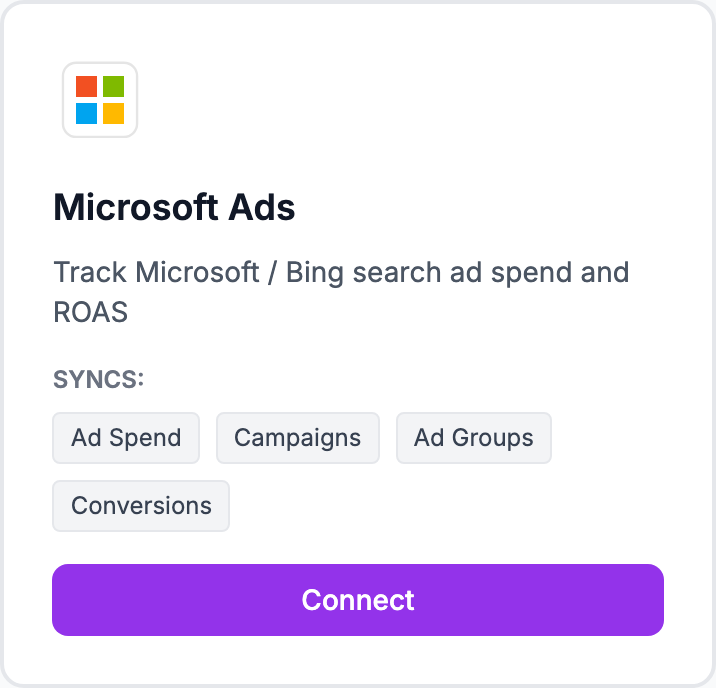
How to connect
- Go to Integrations and click Connect Microsoft Ads
- You'll be redirected to Microsoft to sign in
- Authorize Shopimize to read your ad data
- Select the ad accounts you want to sync
- Click Allow and you'll return to Shopimize
Historical spend from the last 90 days imports in the background.
What syncs
Daily spend by campaign, impressions, clicks, and conversions. Data appears in Costs → Microsoft Ads once the sync is complete.
Multiple accounts
If your Microsoft Ads account manages multiple sub-accounts (common for agencies), you can select which ones to include. Update this later from Integrations → Microsoft Ads → Manage accounts.
Data timing
Microsoft Ads data is typically available with a 2–3 hour delay for same-day data, settled by the following morning.
Related Articles
- Shopify Setup GuideConnect and sync your Shopify store to Shopimize.
- WooCommerce IntegrationSet up WooCommerce order and product syncing.
- PrestaShop IntegrationConnect your PrestaShop store to Shopimize.
- Wix IntegrationConnect your Wix store to Shopimize.
- Meta Ads ConnectionTrack Facebook and Instagram ad spend alongside your profit data.
- Google Ads IntegrationSync Google Ads campaigns to track true profit ROAS.