
🔌Integrations
Pinterest Ads Integration
Track Pinterest ad spend and ROAS in Shopimize.
Connecting Pinterest Ads
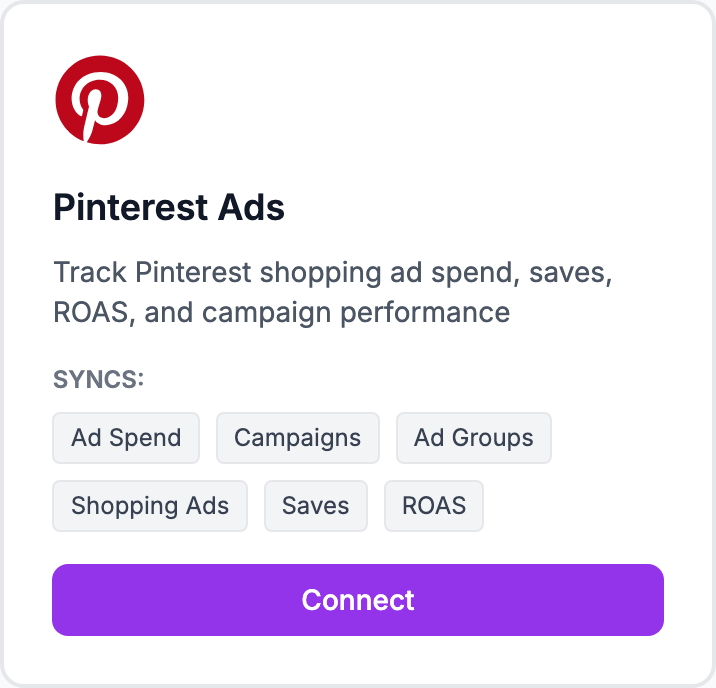
How to connect
- Go to Integrations and click Connect Pinterest Ads
- You'll be redirected to Pinterest to sign in and authorize access
- Select the ad accounts to sync
- Click Allow access and you'll return to Shopimize
- Historical spend from the last 90 days imports automatically
What syncs
Daily campaign spend, impressions, clicks, and conversions. Visible in Costs → Pinterest Ads after the initial sync.
Data freshness
Pinterest usually settles ad data within 24 hours. If yesterday's numbers look low, check back the following day.
Notes on attribution
Pinterest attribution has a longer window than most platforms (up to 30 days for click attribution). The conversion numbers shown in Shopimize come directly from Pinterest's API — the same numbers you'd see in Pinterest Ads Manager.
Related Articles
- Shopify Setup GuideConnect and sync your Shopify store to Shopimize.
- WooCommerce IntegrationSet up WooCommerce order and product syncing.
- PrestaShop IntegrationConnect your PrestaShop store to Shopimize.
- Wix IntegrationConnect your Wix store to Shopimize.
- Meta Ads ConnectionTrack Facebook and Instagram ad spend alongside your profit data.
- Google Ads IntegrationSync Google Ads campaigns to track true profit ROAS.