
🔌Integrations
SendCloud Integration
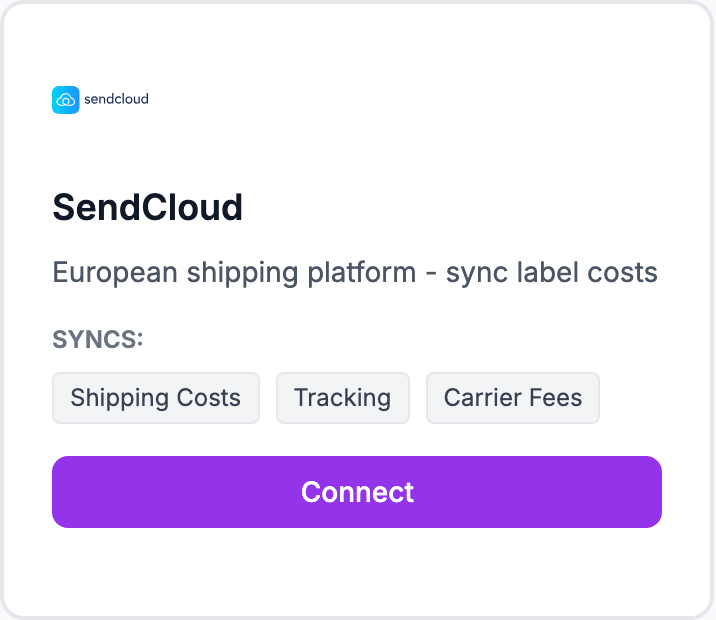
Connect SendCloud to pull shipping costs into Shopimize.
Connecting SendCloud
How to connect
- Go to Integrations and click Connect SendCloud
- Enter your SendCloud public key and secret key — find these in SendCloud under Settings → Integrations → SendCloud API
- Click Connect
Shipping cost data from the last 90 days imports automatically.
Finding your API keys
Log into SendCloud, go to Settings → Integrations, find the SendCloud API section. Create a new integration if needed.
What syncs
Actual shipping cost per label generated in SendCloud, matched to Shopify orders by order number or parcel reference.
Related Articles
- Shopify Setup GuideConnect and sync your Shopify store to Shopimize.
- WooCommerce IntegrationSet up WooCommerce order and product syncing.
- PrestaShop IntegrationConnect your PrestaShop store to Shopimize.
- Wix IntegrationConnect your Wix store to Shopimize.
- Meta Ads ConnectionTrack Facebook and Instagram ad spend alongside your profit data.
- Google Ads IntegrationSync Google Ads campaigns to track true profit ROAS.