
🔌Integrations
ShipBob Integration
Connect ShipBob to track 3PL fulfillment costs per order.
Connecting ShipBob
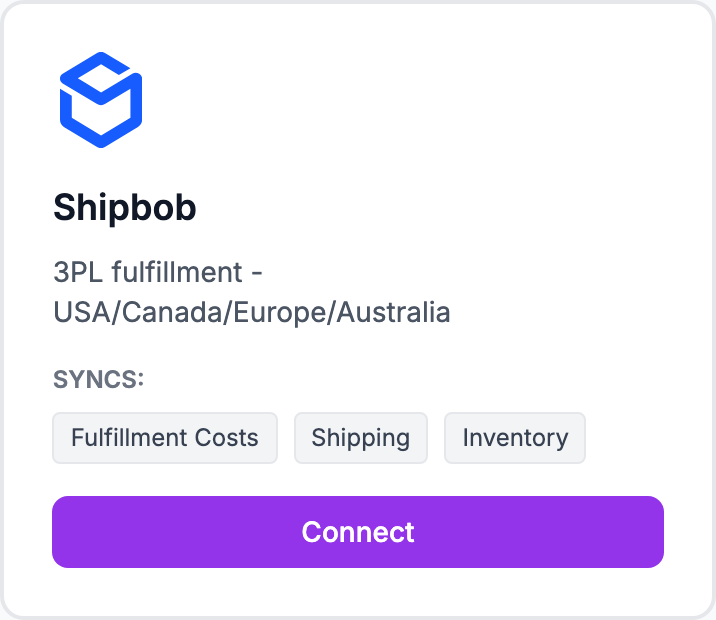
ShipBob is a 3PL provider. Connecting it pulls actual fulfillment costs per order instead of estimates.
How to connect
- Go to Integrations and click Connect ShipBob
- You'll be redirected to ShipBob to authorize the connection
- Grant read access to your ShipBob account
- You'll be returned to Shopimize
ShipBob fulfillment data from the last 90 days imports automatically.
What syncs
Per-order fulfillment costs including picking, packing, and shipping fees. Storage fees are not per-order — add those in Costs → Manual Expenses as a recurring monthly charge.
Storage fees
ShipBob charges monthly storage fees based on warehouse space used. These are fixed monthly costs. Add them in Costs → Manual Expenses as a recurring monthly expense so they show in your P&L.
Related Articles
- Shopify Setup GuideConnect and sync your Shopify store to Shopimize.
- WooCommerce IntegrationSet up WooCommerce order and product syncing.
- PrestaShop IntegrationConnect your PrestaShop store to Shopimize.
- Wix IntegrationConnect your Wix store to Shopimize.
- Meta Ads ConnectionTrack Facebook and Instagram ad spend alongside your profit data.
- Google Ads IntegrationSync Google Ads campaigns to track true profit ROAS.