
🔌Integrations
ShipHero Integration
Connect ShipHero to pull real shipping costs into Shopimize.
Connecting ShipHero
Connect ShipHero if a third-party warehouse fulfils your orders, so the cost per order is more than postage. It replaces an estimated flat rate with what each shipment actually cost.
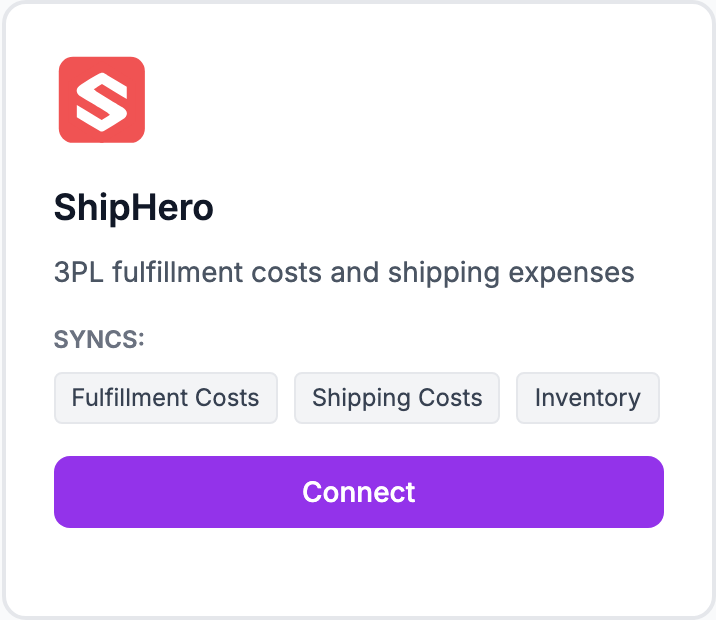
How to connect
- Go to Integrations and click Connect on the ShipHero tile
- Sign in to ShipHero and authorise Shopimize
- You are returned to Shopimize and shipping costs begin importing
There are no keys to copy — the connection uses ShipHero's own authorisation screen.
What syncs
Fulfilment costs, shipping costs and inventory, matched to your orders as they come in.
If costs do not appear
A carrier connection only fills in orders it can match. Orders placed before the connection, or shipped outside ShipHero, keep whatever shipping cost they already had — a flat rate under Costs → Shipping is still worth setting as a fallback.
Related Articles
- Shopify Setup GuideConnect and sync your Shopify store to Shopimize.
- WooCommerce IntegrationSet up WooCommerce order and product syncing.
- PrestaShop IntegrationConnect your PrestaShop store to Shopimize.
- Wix IntegrationConnect your Wix store to Shopimize.
- Meta Ads ConnectionTrack Facebook and Instagram ad spend alongside your profit data.
- Google Ads IntegrationSync Google Ads campaigns to track true profit ROAS.