
Shipping Integrations Overview
Connect your shipping carrier for automatic shipping cost tracking.
Shipping integrations overview
Shipping costs are one of the most common reasons profit data is inaccurate. Guessing with a flat rate that doesn't match reality makes every order's profit slightly wrong — and it compounds across thousands of orders.
Your options
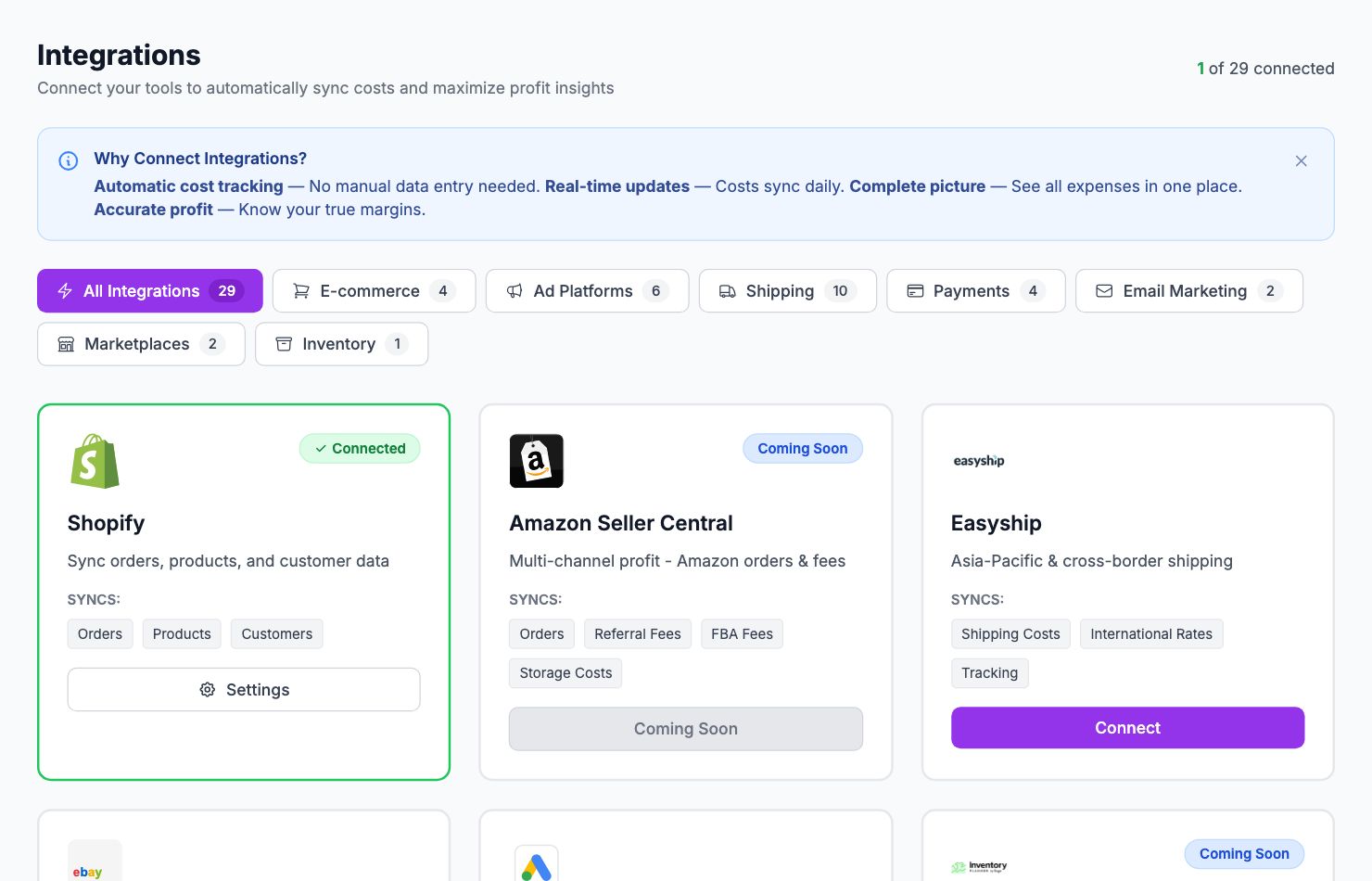
Connect a shipping carrier — Shopimize integrates with ShipStation, ShipBob, Easyship, SendCloud, Shippo, Webshipper, Shipmondo, and Packlink. Connecting one gives you actual cost per shipment instead of an estimate.
Set a flat rate per order — if you ship everything for roughly the same cost, go to Costs → Shipping and enter a flat amount per order. Less precise but better than nothing.
Both — use a connected carrier for most orders, with a flat rate as a fallback for orders that don't match.
Which carrier to connect
Go to Integrations and scroll to the Shipping section. Find your carrier and follow the setup guide. Each carrier has its own connection method (API key, OAuth, etc.).
If your carrier isn't listed, use the flat rate option and contact us at hello@shopimize.com to request the integration.
How matching works
Shopimize matches Shopify orders to shipments in your carrier account using the order number or tracking number. Orders that don't match fall back to your flat rate setting.
Related Articles
- Shopify Setup GuideConnect and sync your Shopify store to Shopimize.
- WooCommerce IntegrationSet up WooCommerce order and product syncing.
- PrestaShop IntegrationConnect your PrestaShop store to Shopimize.
- Wix IntegrationConnect your Wix store to Shopimize.
- Meta Ads ConnectionTrack Facebook and Instagram ad spend alongside your profit data.
- Google Ads IntegrationSync Google Ads campaigns to track true profit ROAS.