
🔌Integrations
Shippo Integration
Connect Shippo to pull real shipping costs into Shopimize.
Connecting Shippo
Connect Shippo if you buy your labels in Shippo. It replaces an estimated flat rate with what each shipment actually cost.
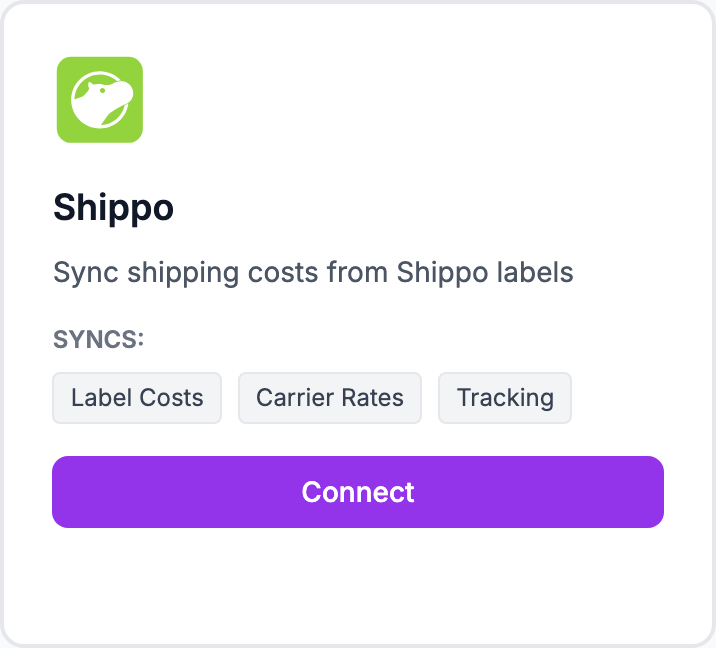
How to connect
- Go to Integrations and click Connect on the Shippo tile
- Sign in to Shippo and authorise Shopimize
- You are returned to Shopimize and shipping costs begin importing
There are no keys to copy — the connection uses Shippo's own authorisation screen.
What syncs
Label costs, carrier rates and tracking, matched to your orders as they come in.
If costs do not appear
A carrier connection only fills in orders it can match. Orders placed before the connection, or shipped outside Shippo, keep whatever shipping cost they already had — a flat rate under Costs → Shipping is still worth setting as a fallback.
Related Articles
- Shopify Setup GuideConnect and sync your Shopify store to Shopimize.
- WooCommerce IntegrationSet up WooCommerce order and product syncing.
- PrestaShop IntegrationConnect your PrestaShop store to Shopimize.
- Wix IntegrationConnect your Wix store to Shopimize.
- Meta Ads ConnectionTrack Facebook and Instagram ad spend alongside your profit data.
- Google Ads IntegrationSync Google Ads campaigns to track true profit ROAS.