
🔌Integrations
ShipStation Integration
Sync ShipStation shipping costs into your profit calculations.
Connecting ShipStation
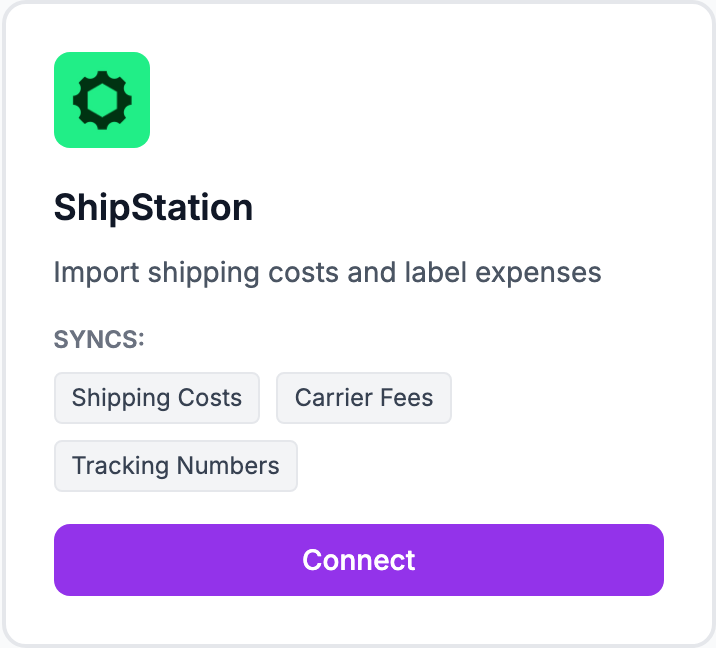
How to connect
- Go to Integrations and click Connect ShipStation
- Enter your ShipStation API key and API secret — find these in ShipStation under Account Settings → API Settings
- Click Connect
Once connected, Shopimize imports shipping costs for the last 90 days and syncs new shipments automatically.
Finding your API credentials
In ShipStation: top-right menu → Account Settings → API Settings. If you don't have a key, click Generate API Keys.
How matching works
Shopimize matches ShipStation shipments to Shopify orders by order number. If a ShipStation order number matches a Shopify order number, the actual shipping cost is applied. Orders without a match use your flat rate fallback in Costs → Shipping.
Multiple carriers in ShipStation
ShipStation aggregates costs across all carriers (USPS, FedEx, UPS, etc.). Shopimize pulls the total cost per shipment from ShipStation regardless of which carrier was used.
Related Articles
- Shopify Setup GuideConnect and sync your Shopify store to Shopimize.
- WooCommerce IntegrationSet up WooCommerce order and product syncing.
- PrestaShop IntegrationConnect your PrestaShop store to Shopimize.
- Wix IntegrationConnect your Wix store to Shopimize.
- Meta Ads ConnectionTrack Facebook and Instagram ad spend alongside your profit data.
- Google Ads IntegrationSync Google Ads campaigns to track true profit ROAS.