
Shopify Payments Tracking
Enable automatic Shopify Payments fee deduction in profit calculations.
Shopify Payments fee tracking
If Shopify Payments is your main payment processor, Shopify charges you a transaction fee on every order that reduces your payout.
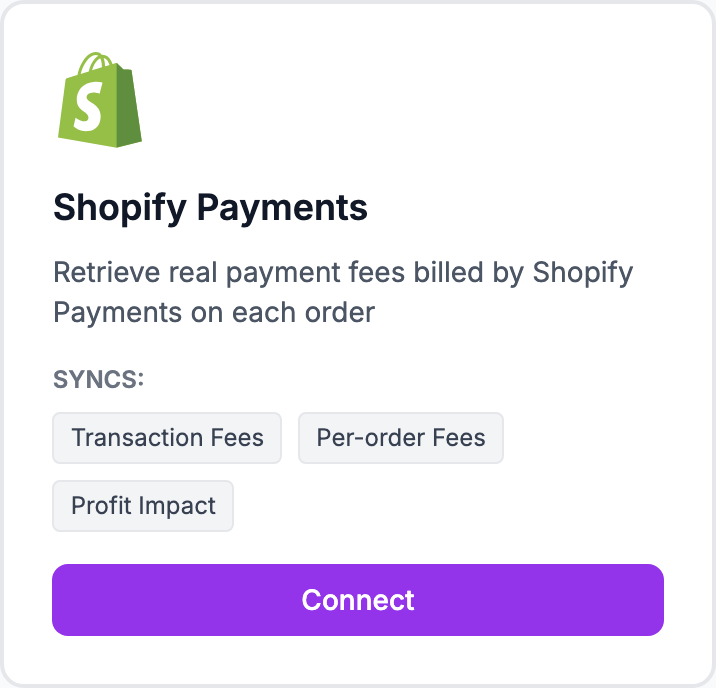
Enable Shopify Payments tracking
Go to Integrations and find Shopify Payments. Click Enable. Shopimize pulls your fee rate directly from Shopify based on your plan:
- Basic: 2.0% per transaction
- Shopify: 1.0%
- Advanced: 0.5%
Plus per-transaction card processing fees (varies by country and card type). Shopimize pulls your actual rate from Shopify so you don't need to enter it manually.
Apply to historical orders
After enabling, new orders get fees deducted automatically. To apply this to past orders, click Backfill historical orders in the Shopify Payments integration settings.
Third-party gateways alongside Shopify Payments
If you use PayPal, Klarna, or other gateways in addition to Shopify Payments, set up separate commission rules for those in Settings → Commissions.
Related Articles
- Shopify Setup GuideConnect and sync your Shopify store to Shopimize.
- WooCommerce IntegrationSet up WooCommerce order and product syncing.
- PrestaShop IntegrationConnect your PrestaShop store to Shopimize.
- Wix IntegrationConnect your Wix store to Shopimize.
- Meta Ads ConnectionTrack Facebook and Instagram ad spend alongside your profit data.
- Google Ads IntegrationSync Google Ads campaigns to track true profit ROAS.