
🔌Integrations
Snapchat Ads Integration
Connect Snapchat Ads to track your spend and profit ROAS.
Connecting Snapchat Ads
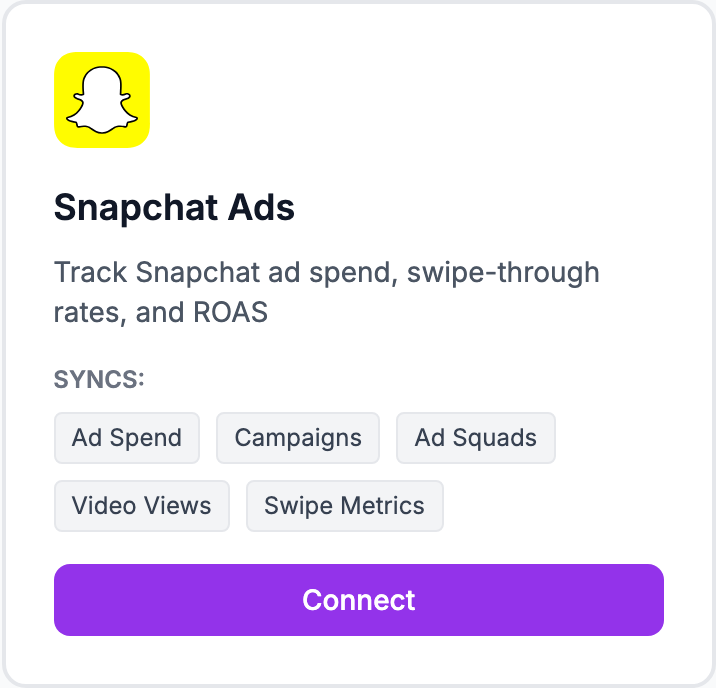
How to connect
- Go to Integrations and click Connect Snapchat Ads
- You'll be redirected to Snapchat to log in and authorize access
- Select the ad accounts to sync
- Click Allow and you'll be returned to Shopimize
- Spend data from the last 90 days imports automatically
What syncs
Daily campaign spend, impressions, swipes, and conversions. Visible in Costs → Snapchat Ads after the initial sync.
About Snapchat attribution
Snapchat uses a view-through attribution model by default, which can inflate conversion numbers compared to click-only attribution. The numbers shown are what Snapchat reports — keep this in mind when comparing ROAS across platforms.
Related Articles
- Shopify Setup GuideConnect and sync your Shopify store to Shopimize.
- WooCommerce IntegrationSet up WooCommerce order and product syncing.
- PrestaShop IntegrationConnect your PrestaShop store to Shopimize.
- Wix IntegrationConnect your Wix store to Shopimize.
- Meta Ads ConnectionTrack Facebook and Instagram ad spend alongside your profit data.
- Google Ads IntegrationSync Google Ads campaigns to track true profit ROAS.