
🔌Integrations
Stripe Fee Tracking
Connect Stripe to automatically deduct transaction fees from profit.
Stripe fee tracking
When customers pay through Stripe, Stripe takes a cut of each transaction. If you don't account for this, your profit figures will be overstated.
Option 1: Manual fee rule (recommended for most stores)
Go to Settings → Commissions and add a new rule:
- Set it to apply to the Stripe payment method
- Enter your Stripe rate — for European cards it's typically 1.5% + €0.25. For international cards it's usually higher (2.5% + €0.25). Check your Stripe Dashboard under Pricing for your exact rates.
- Save
Shopimize will deduct this fee from every Stripe order.
Option 2: Connect Stripe directly
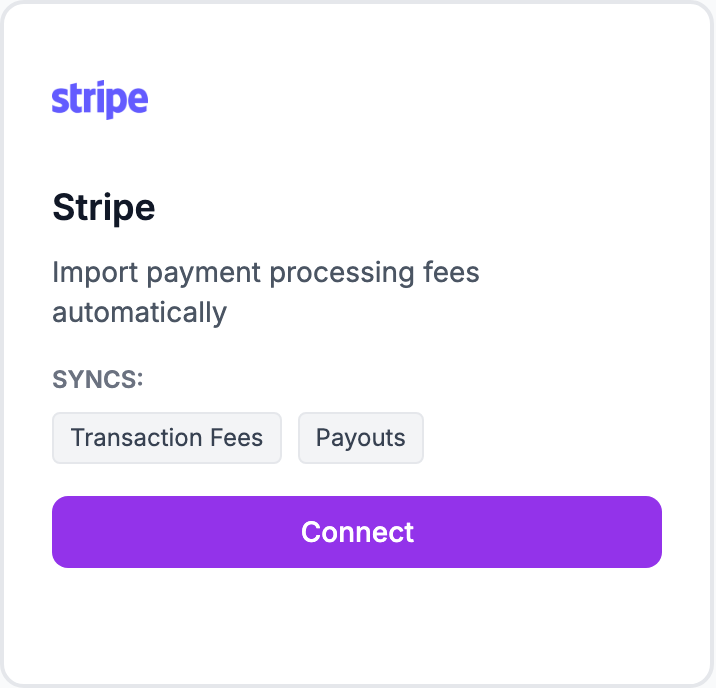
For exact per-transaction fees (not estimates), go to Integrations → Stripe and connect your Stripe account with read access to payouts. Shopimize will match each order to its Stripe charge and use the actual fee.
Which to use
Use the manual rule if your store is mainly domestic — the estimate is accurate enough. Connect Stripe directly if you sell internationally with significant card-type variation.
Related Articles
- Shopify Setup GuideConnect and sync your Shopify store to Shopimize.
- WooCommerce IntegrationSet up WooCommerce order and product syncing.
- PrestaShop IntegrationConnect your PrestaShop store to Shopimize.
- Wix IntegrationConnect your Wix store to Shopimize.
- Meta Ads ConnectionTrack Facebook and Instagram ad spend alongside your profit data.
- Google Ads IntegrationSync Google Ads campaigns to track true profit ROAS.