
🔌Integrations
Webshipper Integration
Connect Webshipper to pull real shipping costs into Shopimize.
Connecting Webshipper
Connect Webshipper if you ship to Denmark, Sweden or Norway through Webshipper. It replaces an estimated flat rate with what each shipment actually cost.
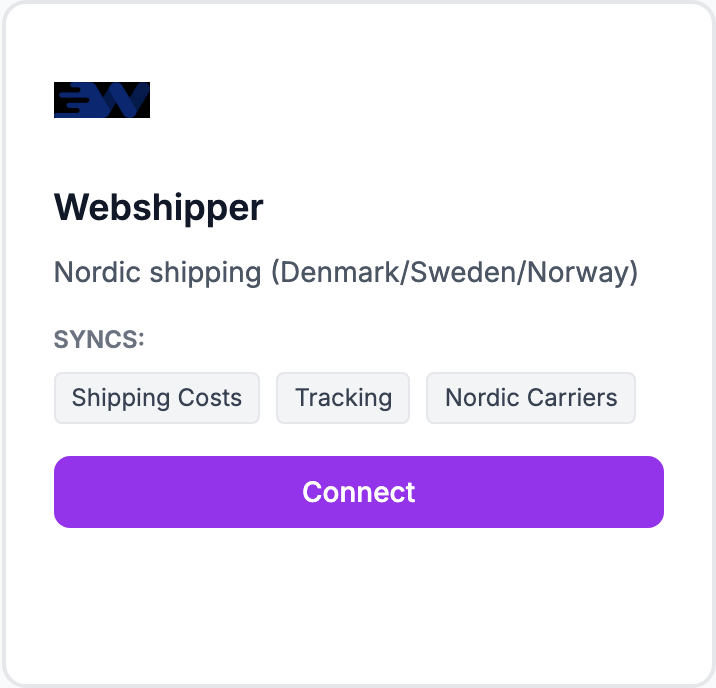
How to connect
- Generate an API token in your Webshipper account
- Go to Integrations and click Connect on the Webshipper tile
- Paste the token and click Connect
Shopimize tests the credentials before saving them, so a wrong value is rejected straight away rather than failing silently on the next sync.
What syncs
Shipping costs, tracking and Nordic carriers, matched to your orders as they come in.
If costs do not appear
A carrier connection only fills in orders it can match. Orders placed before the connection, or shipped outside Webshipper, keep whatever shipping cost they already had — a flat rate under Costs → Shipping is still worth setting as a fallback.
Related Articles
- Shopify Setup GuideConnect and sync your Shopify store to Shopimize.
- WooCommerce IntegrationSet up WooCommerce order and product syncing.
- PrestaShop IntegrationConnect your PrestaShop store to Shopimize.
- Wix IntegrationConnect your Wix store to Shopimize.
- Meta Ads ConnectionTrack Facebook and Instagram ad spend alongside your profit data.
- Google Ads IntegrationSync Google Ads campaigns to track true profit ROAS.