
Ad Spend Doesn't Match Platform
Why ad spend in Shopimize might differ from what your ad platform shows.
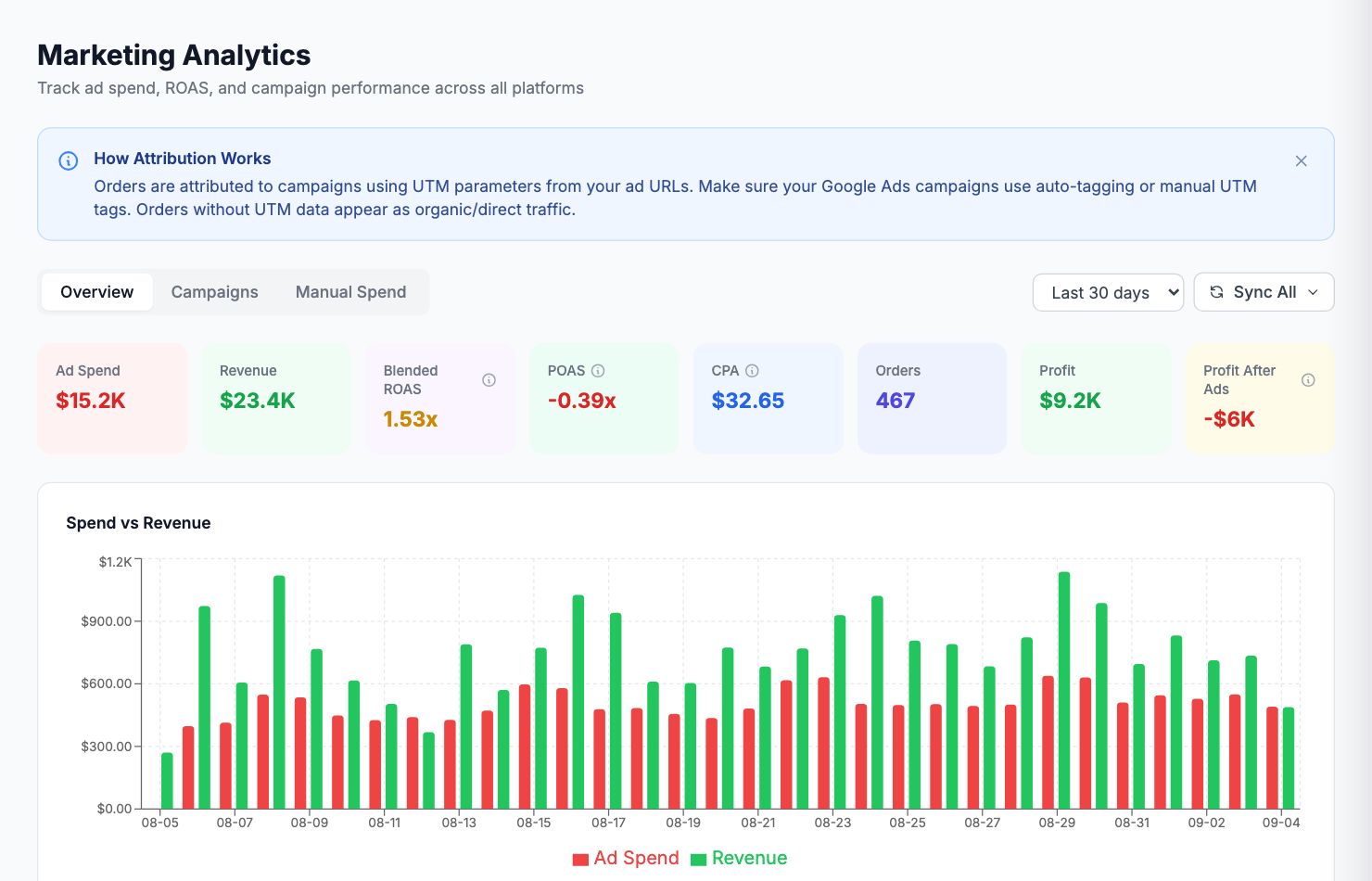
Ad spend doesn't match the platform
If the spend numbers in Shopimize don't match what you see in Google Ads, Meta Ads Manager, or another platform, here's what to check.
Date range and timezone
The most common cause. Make sure you're comparing the same date range in both places. Also check timezones — if your Shopimize account is in one timezone and your ad platform account is in another, a day's worth of spend can shift.
In Shopimize, your timezone is set in Settings → Profile. In Google Ads and Meta, check your account timezone under account settings.
Data finalization delay
Most ad platforms finalize spend data 24–48 hours after the day ends. If you're looking at yesterday or today's spend, it may still be provisional. Compare against data that's at least 2 days old for a fair comparison.
Which accounts are connected
If you have multiple ad accounts in a platform, make sure you connected all the relevant ones. Go to Integrations → [Platform] and check which accounts are syncing. If an account is missing, click Manage accounts to add it.
Currency differences
If your Shopimize account is in EUR but your ad account bills in USD, the conversion rate used may create small differences. Shopimize uses daily exchange rates for currency conversion.
Attribution windows
Shopimize shows spend (what you paid to the platform) not attributed revenue. If you're comparing against a platform's conversion report, the numbers will naturally differ because conversion reports attribute revenue to ads.
Still a significant discrepancy
If you've checked all of the above and there's still a meaningful gap (more than a few percent), contact support at hello@shopimize.com with the platform name, date range, and the amounts you're comparing.
Related Articles
- Data Not SyncingWhat to check when your Shopify orders or ad data stops updating.
- Missing Orders or ProductsWhy some orders or products might not appear in Shopimize.
- Incorrect Profit CalculationsCommon reasons profit looks wrong and how to fix them.
- Connection ErrorsFix integration errors when a platform shows as disconnected.
- COGS Not Appearing in DashboardWhy product costs might not be reflected in your profit figures.
- Orders Showing Zero ProfitWhy individual orders might show $0 profit or 100% margin.