
Incorrect Profit Calculations
Common reasons profit looks wrong and how to fix them.
Incorrect profit calculations
If the numbers look wrong, there's usually a straightforward reason. Here's how to find it.
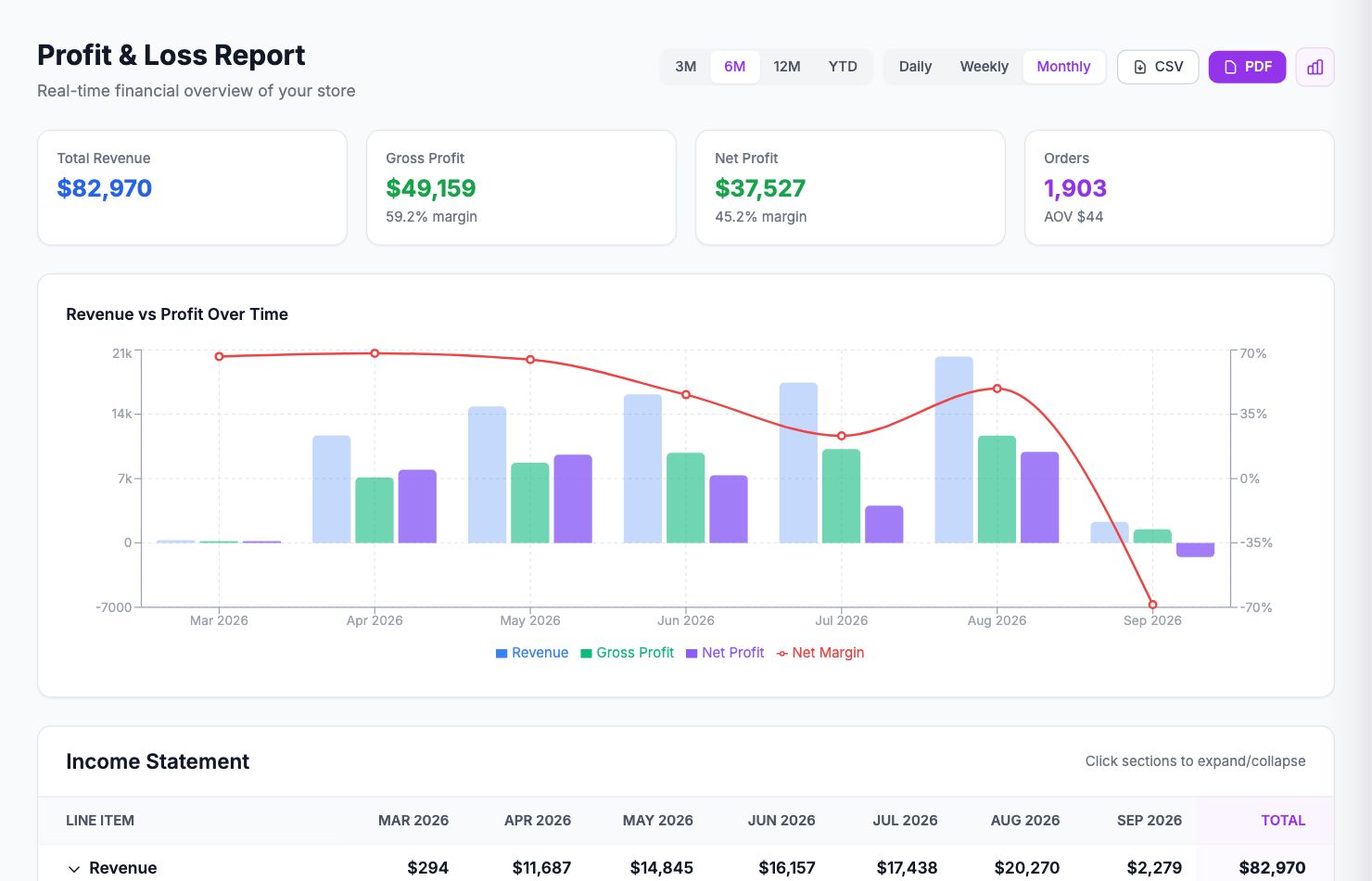
Profit equals revenue (100% margin on everything)
Your product costs haven't been entered. Go to Costs → Product Costs and fill them in. See the COGS troubleshooting article if they're entered but still not showing.
Margin looks too high
- Some products have no cost entered (check Costs → Product Costs for any showing €0.00)
- Ad platforms aren't connected yet — go to Integrations and connect them
- Shipping costs aren't configured — go to Costs → Shipping
Margin looks too low
- Transaction fees may be double-counted — check Settings → Commissions to make sure you don't have duplicate rules for the same payment method
- A shipping carrier and a manual flat rate are both active — pick one or the other
- A manual expense in Costs → Manual is too large or entered incorrectly
One specific order looks wrong
Click the order in Performance → Orders to see its full cost breakdown. The breakdown shows exactly what was deducted and why. Compare each line against your expectations to find the discrepancy.
Profit is negative on every order
Either COGS are entered too high, or a cost rule is applying incorrectly. Check Settings → Commissions for any rules with very high rates, and check Costs → Product Costs to make sure the per-unit costs are per unit and not per batch.
After changing costs, old orders don't update
Go to Costs → Product Costs, find the product, and after saving new costs, click Backfill historical orders. This recalculates profit for past orders using the updated COGS.
Related Articles
- Data Not SyncingWhat to check when your Shopify orders or ad data stops updating.
- Missing Orders or ProductsWhy some orders or products might not appear in Shopimize.
- Connection ErrorsFix integration errors when a platform shows as disconnected.
- COGS Not Appearing in DashboardWhy product costs might not be reflected in your profit figures.
- Ad Spend Doesn't Match PlatformWhy ad spend in Shopimize might differ from what your ad platform shows.
- Orders Showing Zero ProfitWhy individual orders might show $0 profit or 100% margin.