
Missing Orders or Products
Why some orders or products might not appear in Shopimize.
Missing orders or products
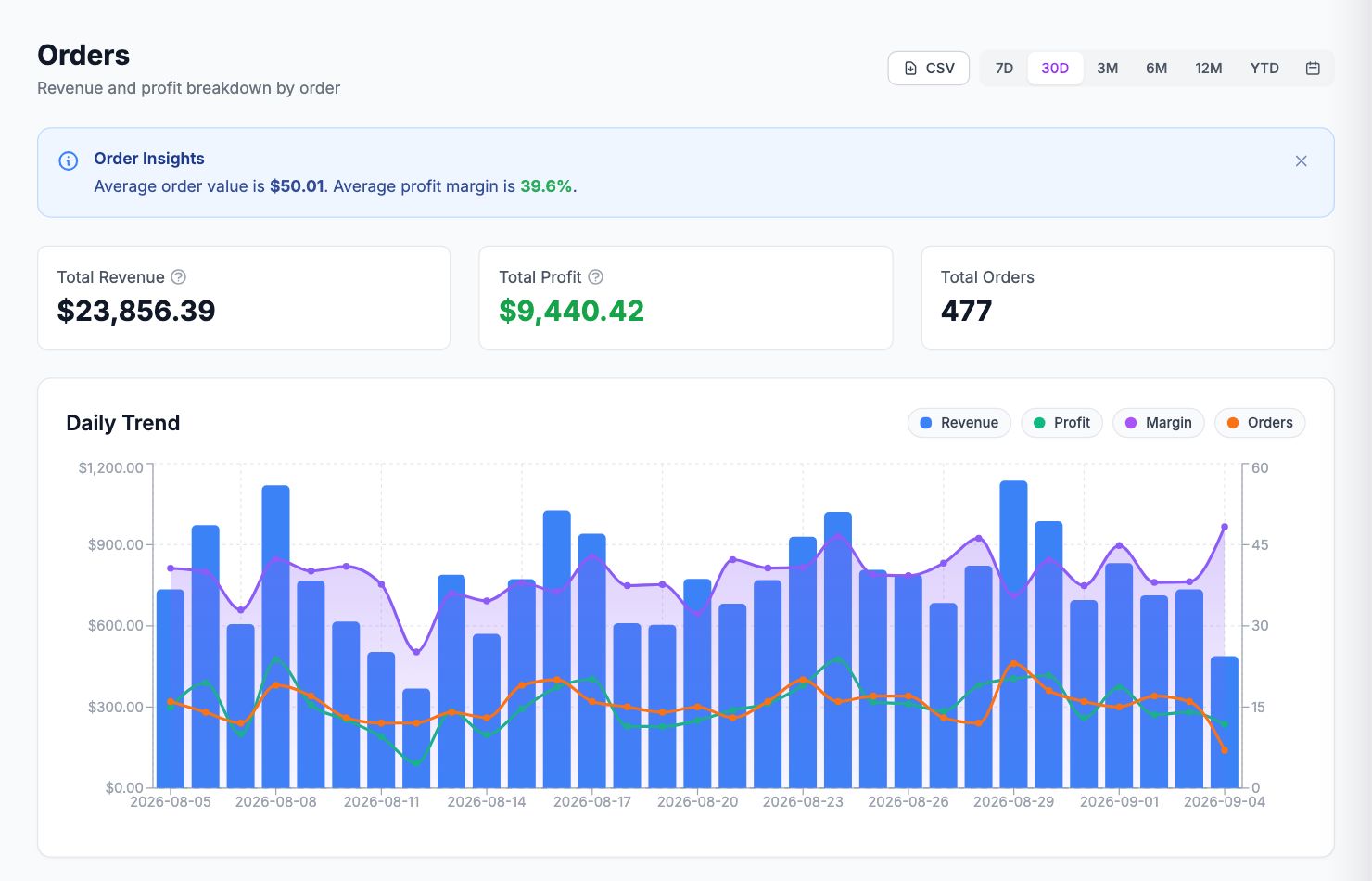
Orders not showing
Check the date range — the dashboard and analytics pages filter by date. Make sure the range covers the period you're looking for.
Check sync status — go to Integrations and confirm your store shows as connected and up to date. Trigger a manual sync if needed.
Order status — Shopimize imports fulfilled and partially-fulfilled orders by default. Draft orders and orders awaiting payment are not imported.
Initial import window — the initial import covers 90 days back from connection date. Older orders weren't imported. Contact hello@shopimize.com if you need historical data beyond that window.
Products not showing
To force a product catalog refresh, go to Integrations → Shopify → Sync Products. This pulls all active products regardless of order history.
A specific order is missing
Search for it in Performance → Orders by order number. If it's not there:
- Check its status in Shopify — it may be in a status Shopimize doesn't import
- Trigger a manual sync from Integrations → Shopify → Sync Now
- If still missing, contact support at hello@shopimize.com with the order number
Related Articles
- Data Not SyncingWhat to check when your Shopify orders or ad data stops updating.
- Incorrect Profit CalculationsCommon reasons profit looks wrong and how to fix them.
- Connection ErrorsFix integration errors when a platform shows as disconnected.
- COGS Not Appearing in DashboardWhy product costs might not be reflected in your profit figures.
- Ad Spend Doesn't Match PlatformWhy ad spend in Shopimize might differ from what your ad platform shows.
- Orders Showing Zero ProfitWhy individual orders might show $0 profit or 100% margin.