
Orders Showing Zero Profit
Why individual orders might show $0 profit or 100% margin.
Orders showing zero profit
If orders are showing €0 profit or 100% margin, the costs aren't being applied to those orders. Here's why that happens.
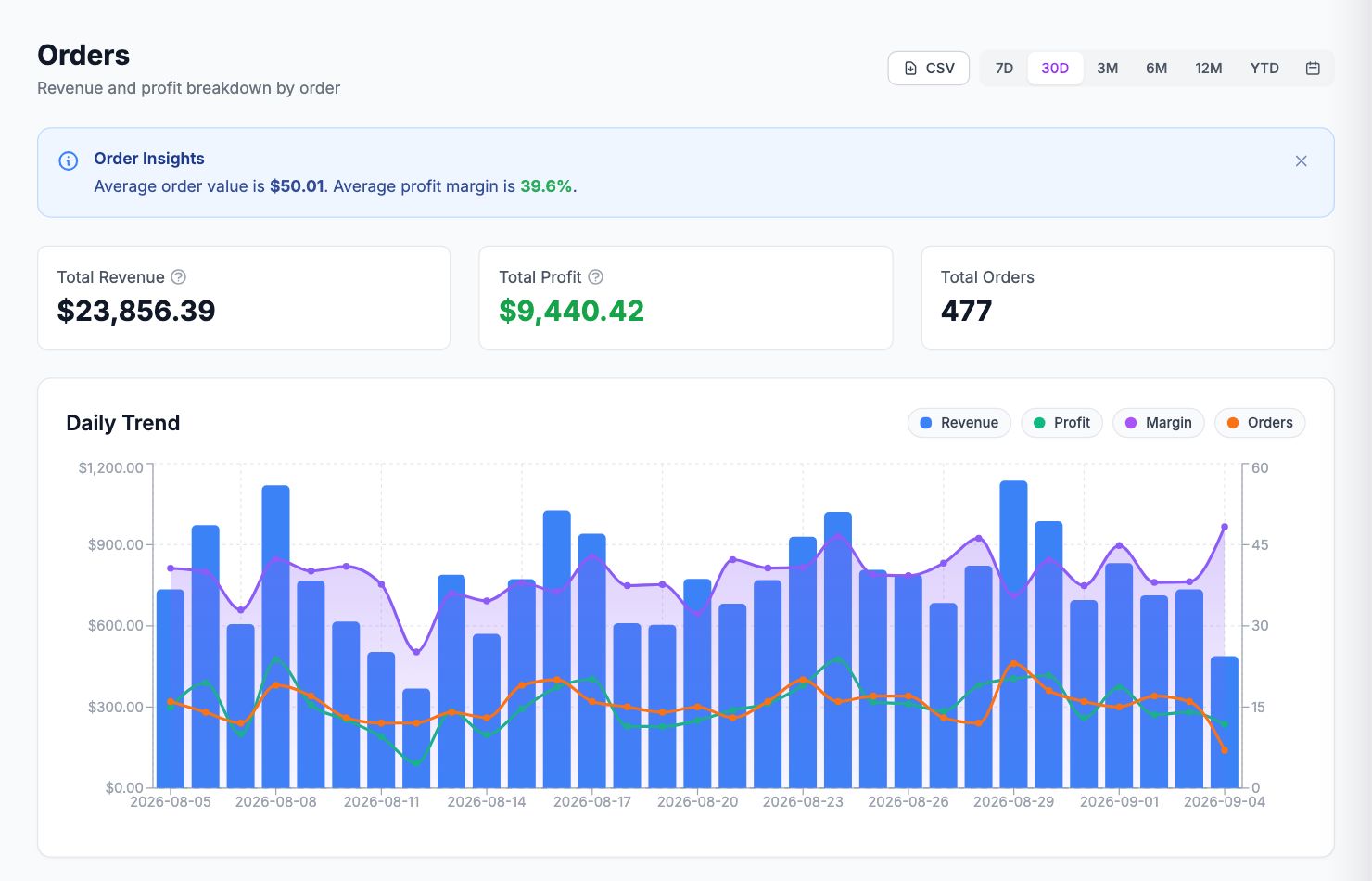
COGS not entered
The most common reason. Go to Costs → Product Costs and check the products in the affected orders. If the COGS column shows €0.00, those products have no cost entered.
Enter the cost per unit for each product. For products with variants (size, color, etc.), click the product to expand it and enter costs at the variant level — a size S and a size XL might cost different amounts to produce.
COGS entered but not applying to old orders
If you just entered COGS for the first time and old orders still show zero profit: the backfill hasn't run yet. Go to Costs → Product Costs, select the products, and click Backfill historical orders. This triggers a recalculation of past orders.
Missing shipping costs
If profit looks too high (not zero), shipping may not be configured. Go to Costs → Shipping and set a flat rate, or connect a shipping carrier from Integrations.
Missing fee rules
Same issue — transaction fees not configured means they're not being deducted. Set them up in Settings → Commissions.
Orders from a new product
If you recently added a new product to your store and it has no COGS set, orders containing only that product will show no cost. Go to Costs → Product Costs, search for the new product, and enter its cost.
Related Articles
- Data Not SyncingWhat to check when your Shopify orders or ad data stops updating.
- Missing Orders or ProductsWhy some orders or products might not appear in Shopimize.
- Incorrect Profit CalculationsCommon reasons profit looks wrong and how to fix them.
- Connection ErrorsFix integration errors when a platform shows as disconnected.
- COGS Not Appearing in DashboardWhy product costs might not be reflected in your profit figures.
- Ad Spend Doesn't Match PlatformWhy ad spend in Shopimize might differ from what your ad platform shows.