
You Cannot Sign In
Reset a password, deal with an expired link, or an unverified address.
When you cannot get into your account
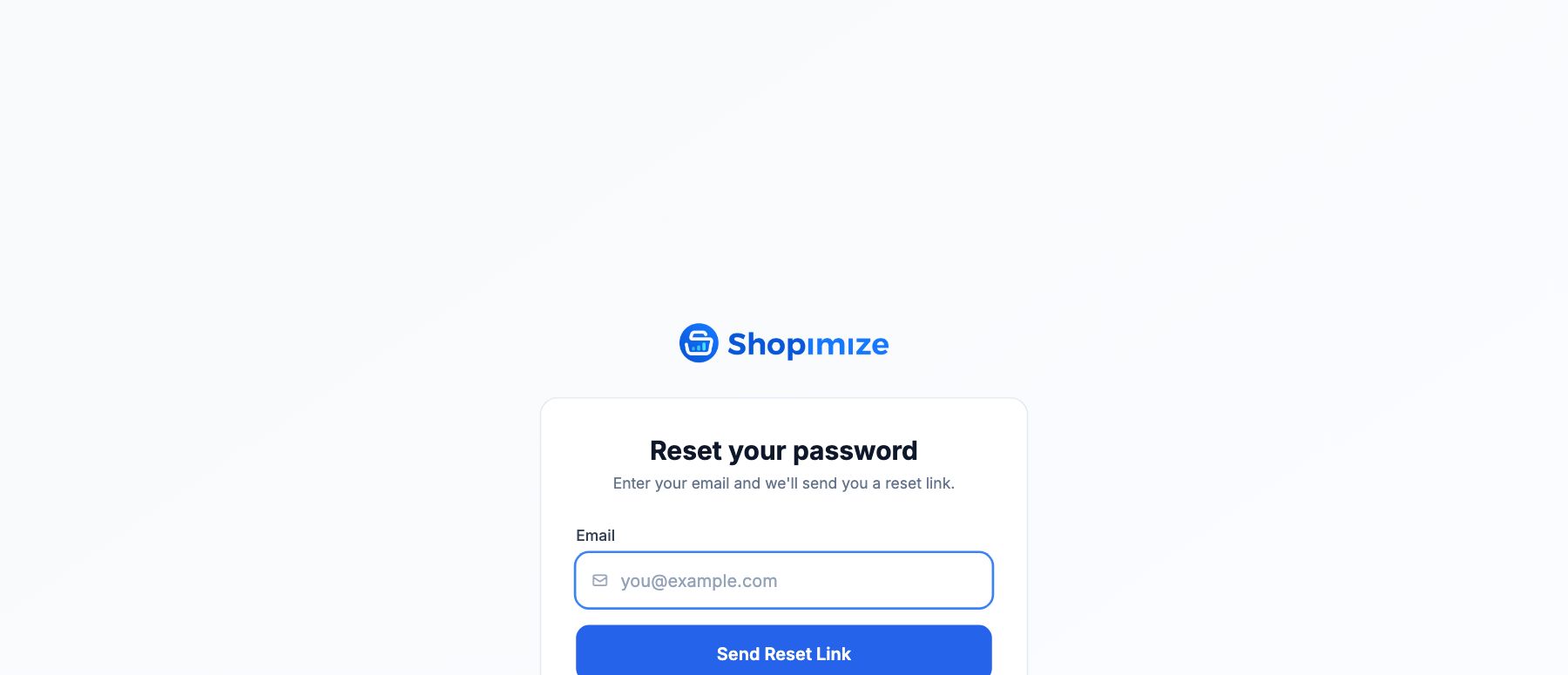
Reset your password
Use Forgot password? on the sign-in page and enter the address on your account. If an account exists for it, a reset link is sent.
The link is valid for one hour. After that it stops working and you need to request a new one — that is the most common reason a reset link reports itself as invalid.
For your protection the page does not tell you whether an address is registered. If no email arrives, check the spam folder, then confirm you are using the address you signed up with.
Your email is not verified
An account created but never verified needs the link from the confirmation email. If that link has expired or was lost, sign in and request a new one.
Two-factor authentication
With two-factor enabled you need the current code from your authenticator app on top of your password. A code that keeps being rejected usually means the clock on the phone has drifted — enable automatic time on the device and try again.
Recovery codes were shown when you turned two-factor on. If you have neither the app nor a recovery code, support cannot bypass it for you without verifying who you are, so allow time for that.
Still locked out
Contact hello@shopimize.com from the address on the account. Mention the store name — it makes the check much quicker.
Related Articles
- Data Not SyncingWhat to check when your Shopify orders or ad data stops updating.
- Missing Orders or ProductsWhy some orders or products might not appear in Shopimize.
- Incorrect Profit CalculationsCommon reasons profit looks wrong and how to fix them.
- Connection ErrorsFix integration errors when a platform shows as disconnected.
- COGS Not Appearing in DashboardWhy product costs might not be reflected in your profit figures.
- Ad Spend Doesn't Match PlatformWhy ad spend in Shopimize might differ from what your ad platform shows.